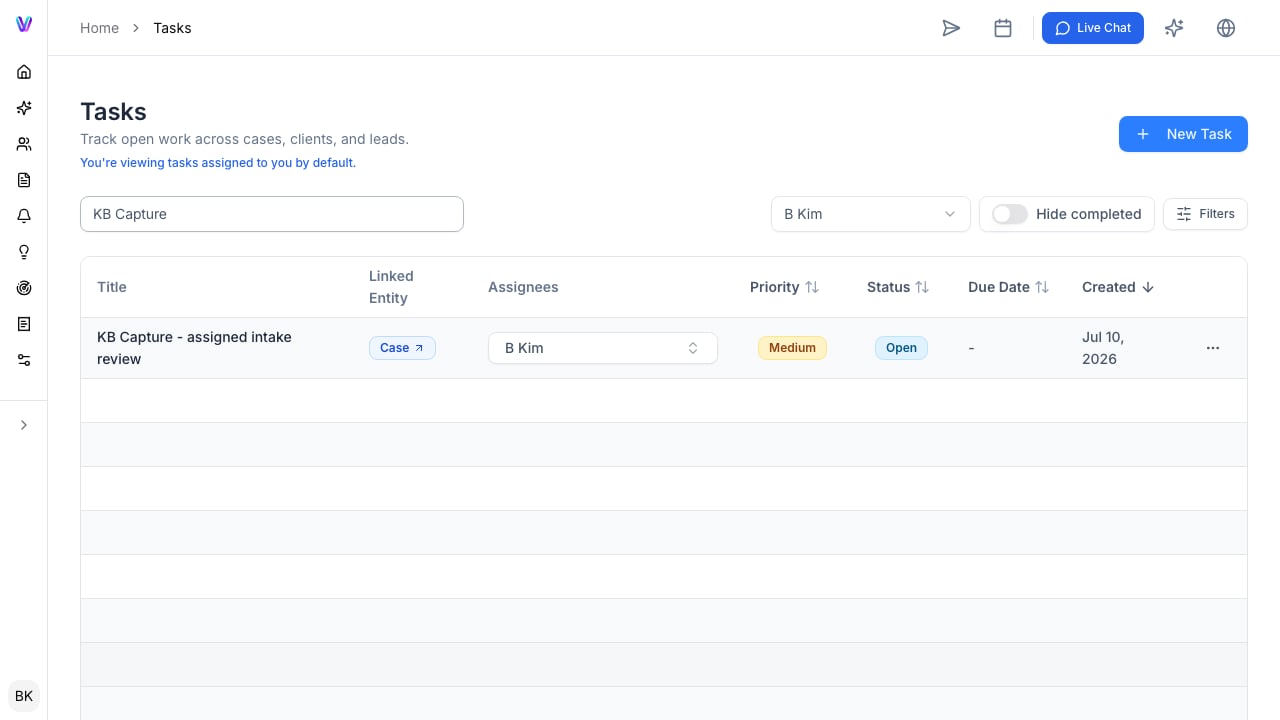
The outcome
This workflow turns reviewed case information into a document, form, or supported portal entry. VisaFlo can reduce repetitive preparation, but a practitioner or authorized staff member remains responsible for the final review and submission.1. Confirm the case is ready
Check the questionnaire answers, source evidence, relevant case fields, and open tasks. Resolve inconsistencies first. Automation will repeat whatever is in the case record, including mistakes.2. Prepare a draft or reusable document
Use templates for repeatable documents and AI Drafts to prepare a case-specific starting point. Give the drafting tool specific instructions and only relevant context. Review names, dates, facts, legal reasoning, and formatting before sharing anything externally.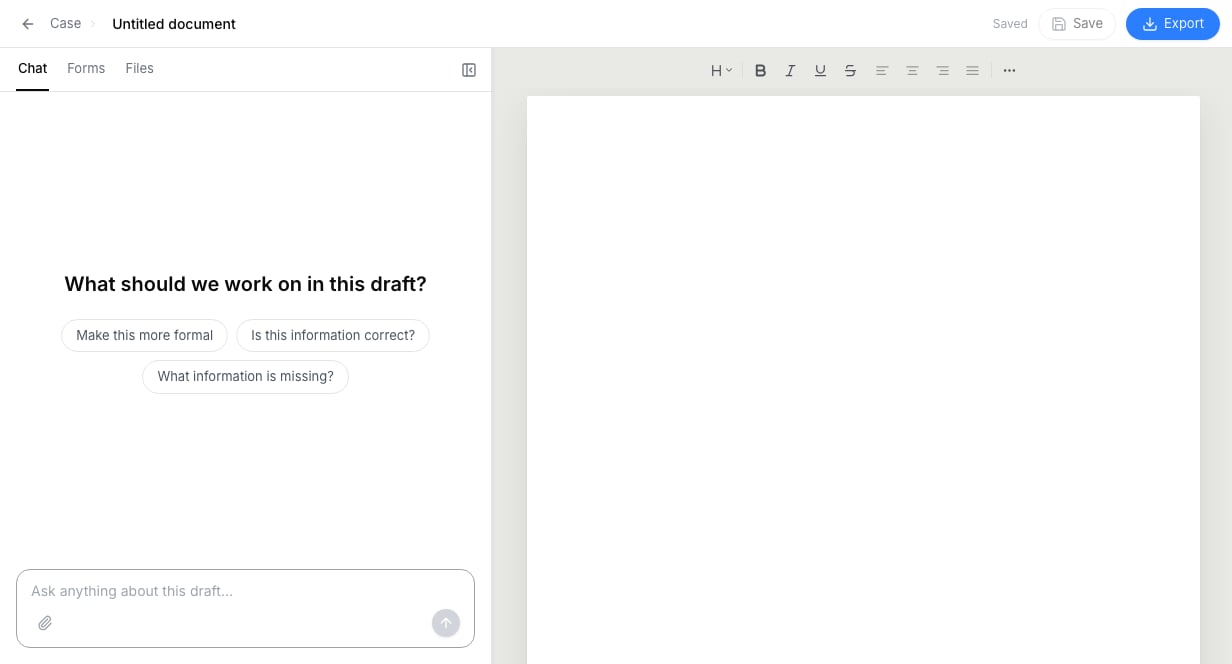
3. Generate forms or autofill a supported portal
Use form generation or extension autofill only after the case facts have been reviewed. Sign in to the destination portal yourself, run the supported action, then review every relevant destination field before any submission.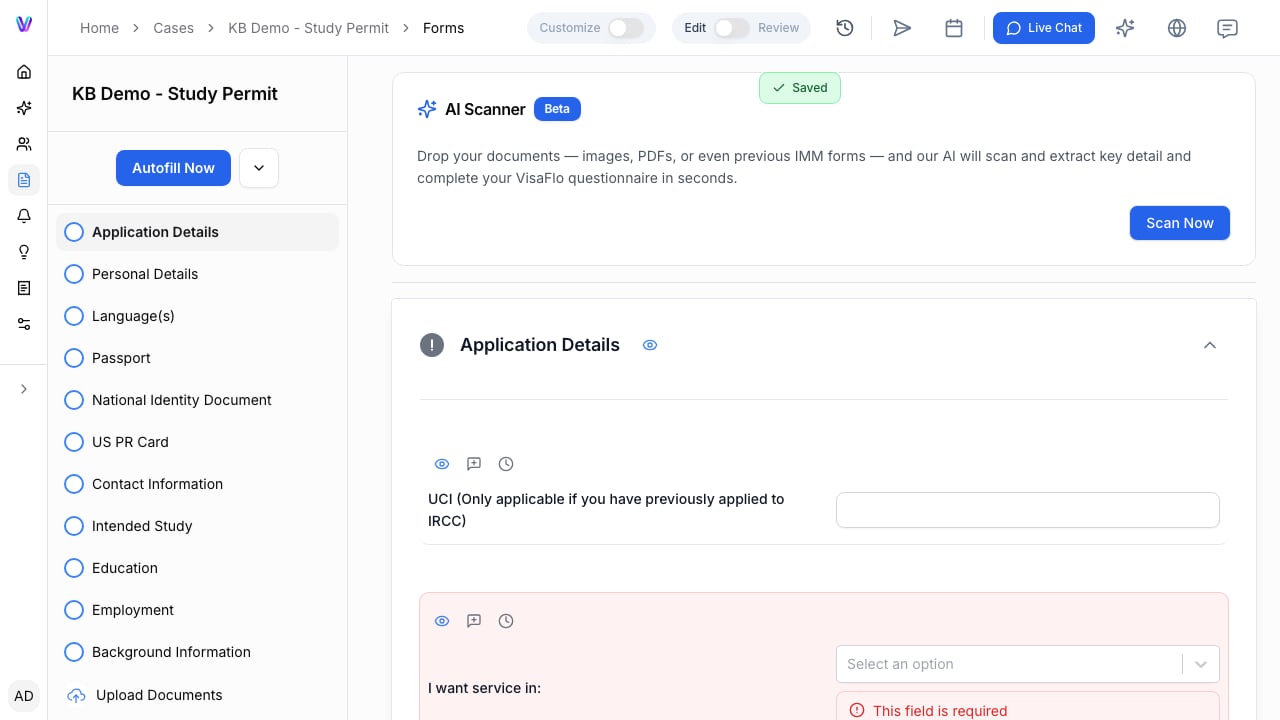
4. Record the review and submission decision
Assign the reviewer and due date, save the reviewed output in the case, and record the next status. Treat a generated document or completed autofill action as preparation, not proof of an approved or submitted application.