The outcome
The client receives only the communication, documents, and status your firm intended to share. The team can see what was completed, what remains, and what to improve before the next similar matter.1. Communicate through the right surface
Use the client portal for case visibility, questionnaires, signature requests, and case-specific updates. Keep internal strategy, incomplete drafts, and staff-only notes in the dashboard.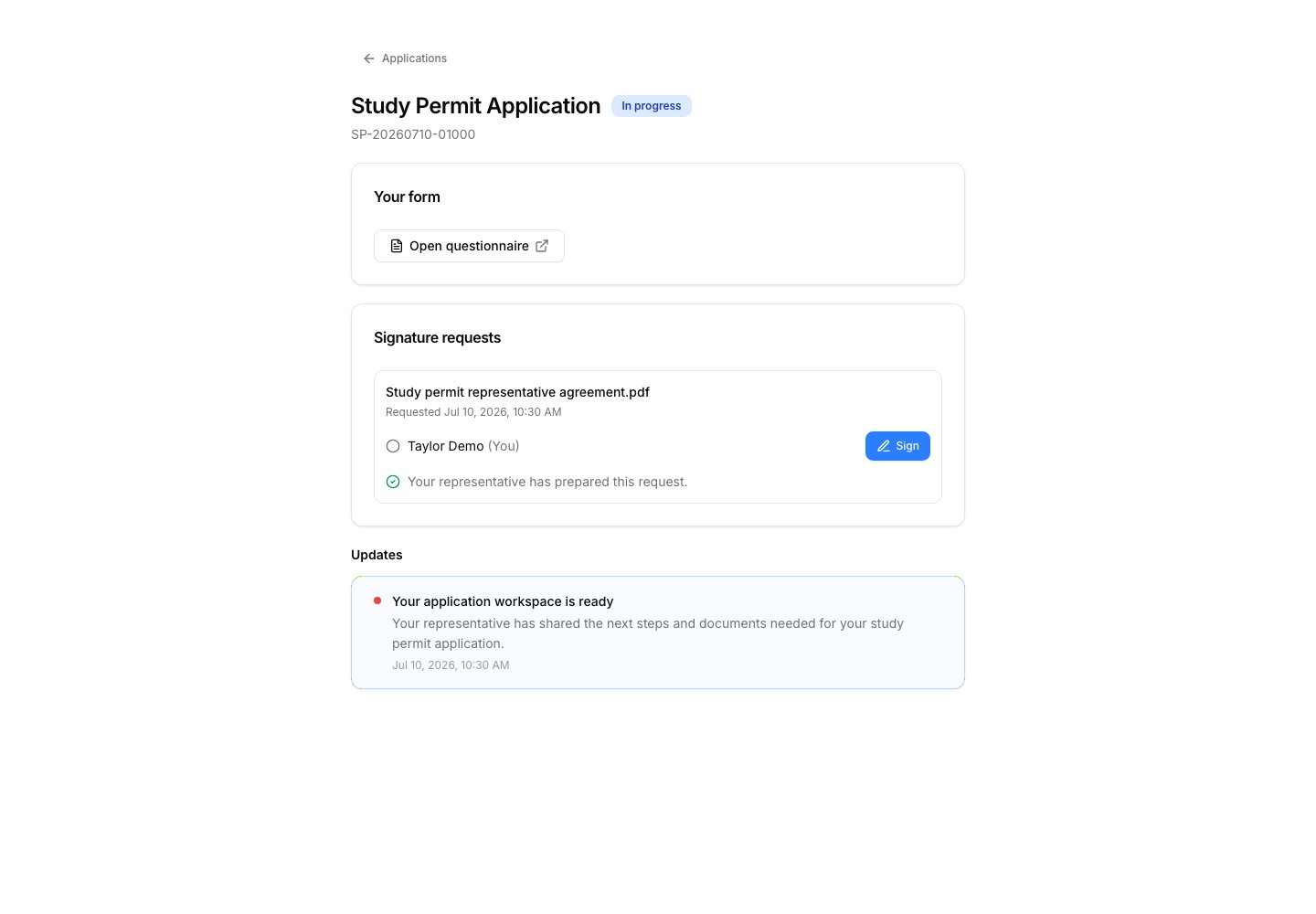
2. Send agreements for signature
Start the agreement from the case’s Service Agreements tab with New agreement. Check its fields, who signs, and where, before you send it. When everyone has signed, the signed copy is saved to the case automatically. Open it and check it. Continue with E-Signature.3. Share only the files a recipient needs
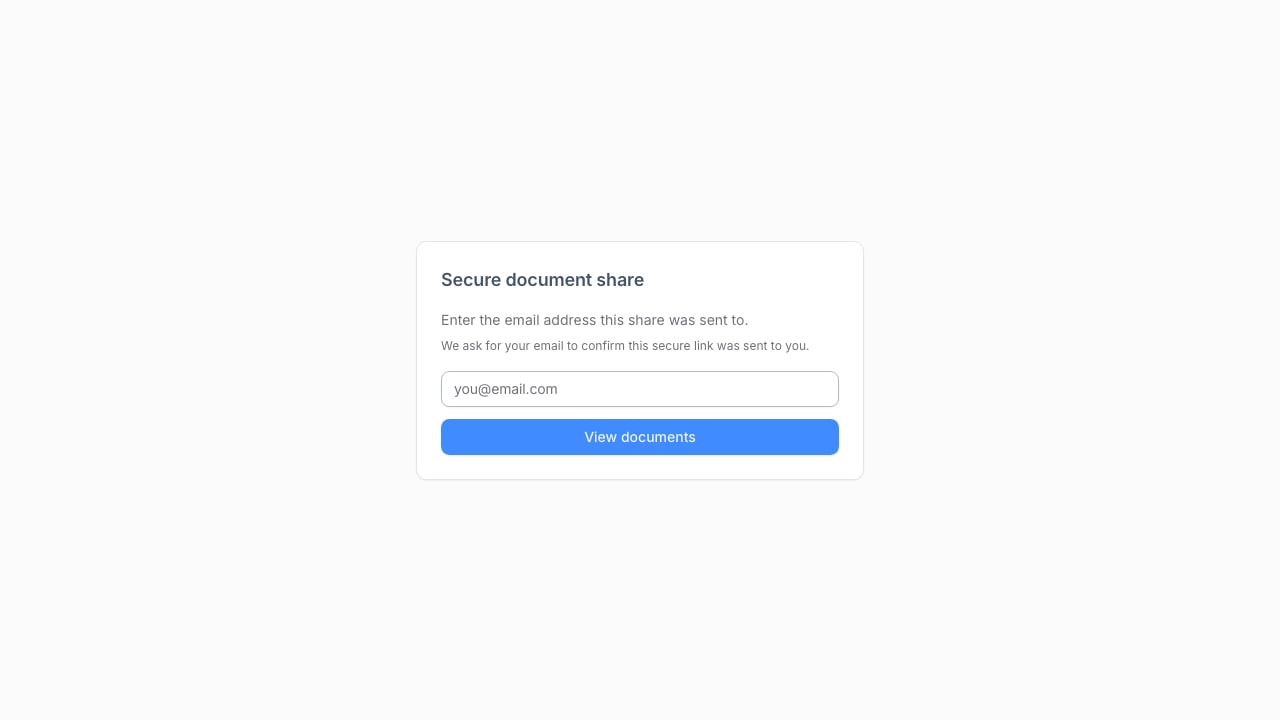
Use document shares for a selected, controlled set of files. Confirm the recipient, access period, and the exact documents before sending a link. Do not use a share link as a substitute for internal file organization.