

What the extension does
VisaFlo extensions help transfer reviewed case information into supported external portal workflows. They are a preparation tool that reduces repeated data entry; they do not submit an application, determine eligibility, or remove the need to review the destination portal. Install the VisaFlo Autofill Extension from the Chrome Web Store, then confirm the exact case and portal workflow are supported before use. The Chrome Web Store listing is the supported source and receives updates through Chrome.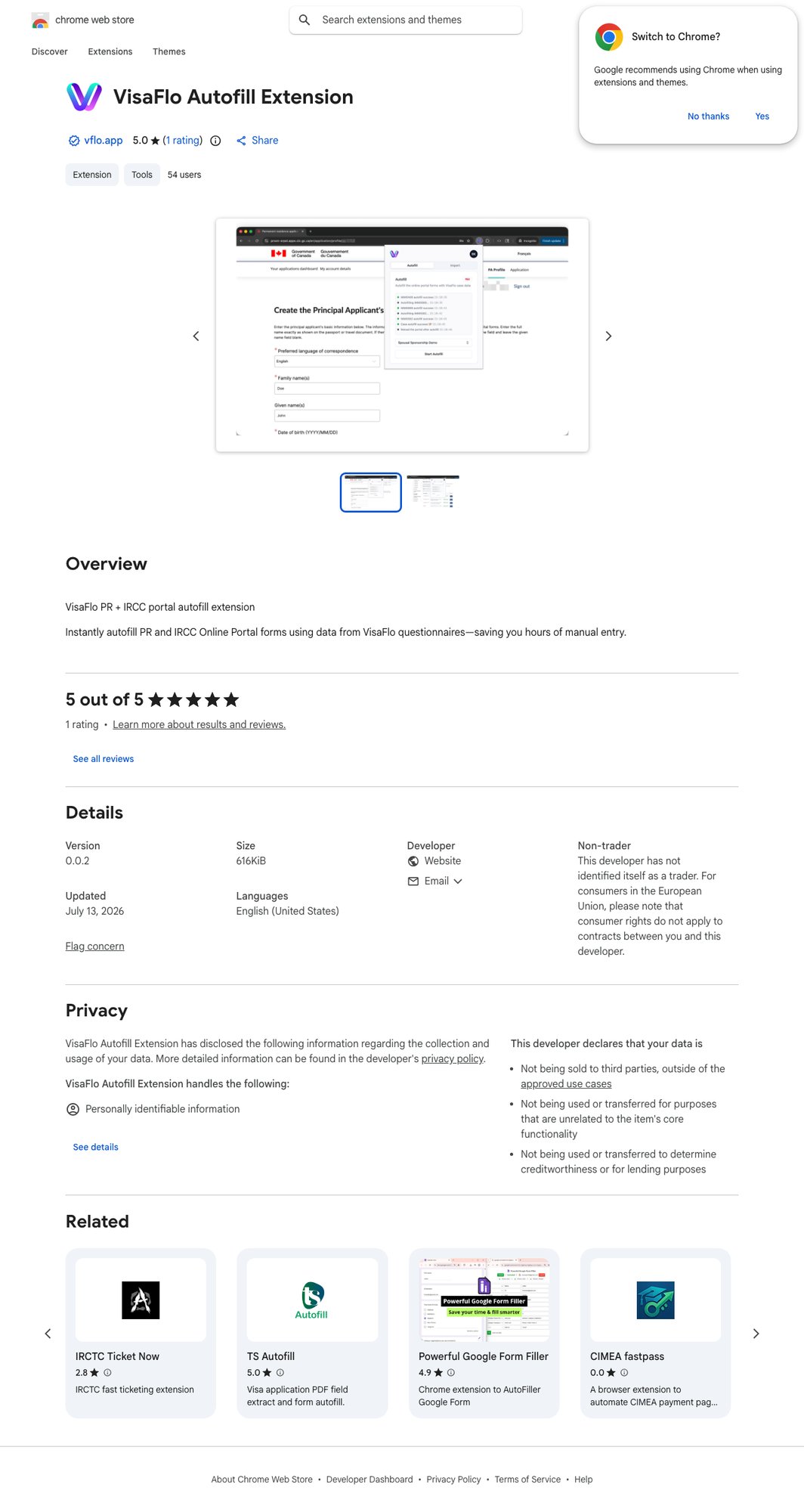
The safe operating sequence
- Build the case and collect the required questionnaire answers and evidence.
- Review and correct the source data in VisaFlo.
- Install the extension that matches the portal and application type.
- Sign in to the target portal yourself and open the correct application record.
- Run autofill only after confirming the client, case, and portal record match.
- Review every populated destination field before saving, sending, or submitting.
Before you start
- Use a current version of Chrome and install VisaFlo Autofill Extension only from the Chrome Web Store.
- Ensure the dashboard case has the correct case type, client, questionnaire, and required family-member information.
- Resolve incomplete answers and validation errors before running autofill.
- Keep the browser and target portal available while the extension is working; avoid switching to an unrelated application record.
- Have a manual completion path available for time-sensitive work.
- Never use Developer mode, Load unpacked, or a locally shared extension archive for client work.