Start in VisaFlo, not the portal

Create the client and case in VisaFlo before you prepare a portal application. The case is the source of truth for the questionnaire, files, tasks, drafts, and reviewed information the extension may use. Creating a portal application first makes it much easier to attach the extension to the wrong person or matter.

Create the correct case

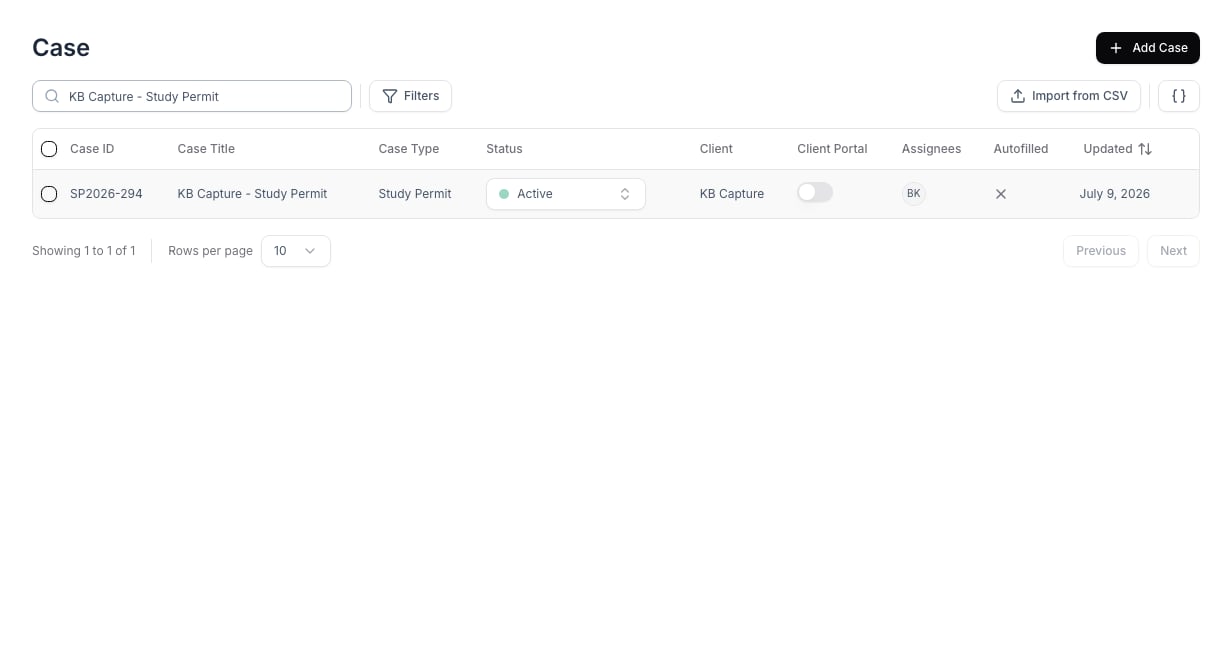
The VisaFlo case list, where a new matter starts before it is used in an extension workflow.
  1. Add or select the client.
  2. Create a case with the correct case type and an owner.
  3. Confirm the case’s client relationship and key identifiers.
  4. Send or complete the case questionnaire.
  5. Add the source documents and any internal review tasks.
  6. Review the information before opening the portal workflow.
See Create a case for the detailed dashboard steps.

Confirm the case is ready

Before you use an extension, verify that the case contains the same principal applicant and family composition as the target portal application. Confirm names, dates of birth, addresses, and other identifying details against the source documents. Resolve contradictory information in VisaFlo before you start a destination-system entry.

Avoid duplicate records

Use one case for one immigration matter. If the same client has a separate matter with its own deadline, forms, or document trail, create a separate case. Do not create duplicate cases merely because an autofill attempt needs to be repeated; correct the source data and retry the same reviewed case when appropriate.

Next step

When the case is ready, install the extension and follow Autofill with Extension.