

Upload files inside a case
Open the case and select Files. Create folders for a document group before uploading, then use Upload File to add supporting documents to the selected location.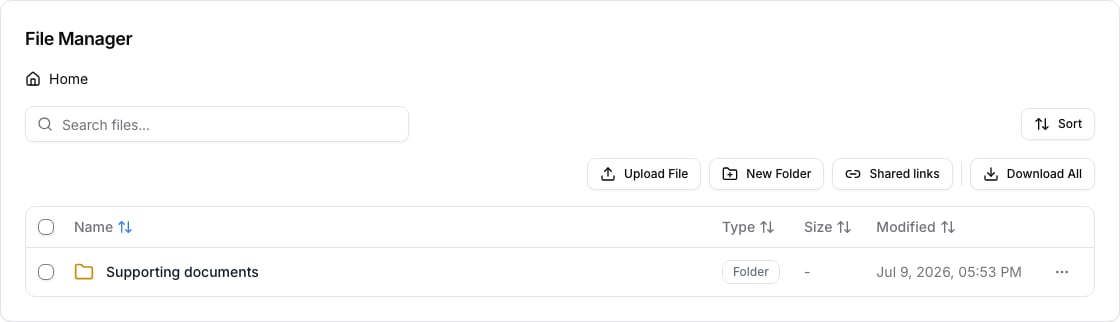
Keep files organized
- Use folders for a clear document group, such as identity, financial evidence, or correspondence.
- Give files names that make their purpose and version clear before sharing or generating documents.
- Select only the files or folders you need before using Download All.
- Use Shared links only for the specific documents a recipient should access.