Add a client directly
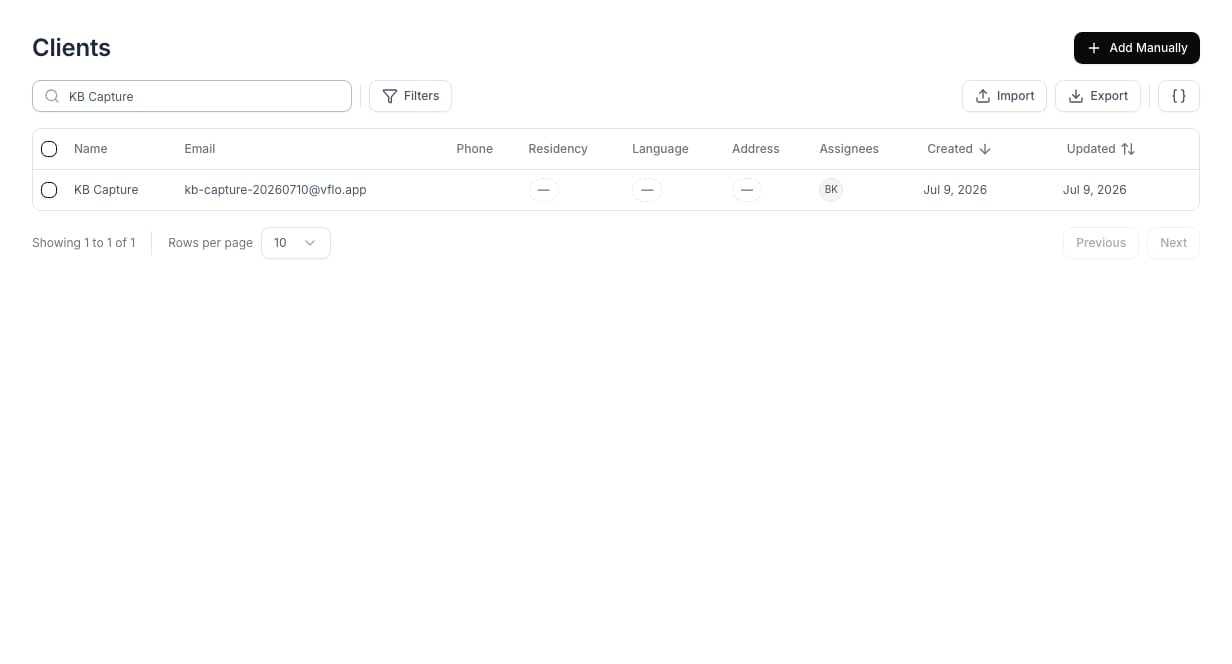
Use Clients when a person is already engaged and should be managed as a client rather than a prospective lead.- Open Clients and select Add Manually.
- Enter the client’s name and contact details.
- Assign the staff member responsible for follow-up.
- Save the client, then create or link the relevant case.
Review the client record
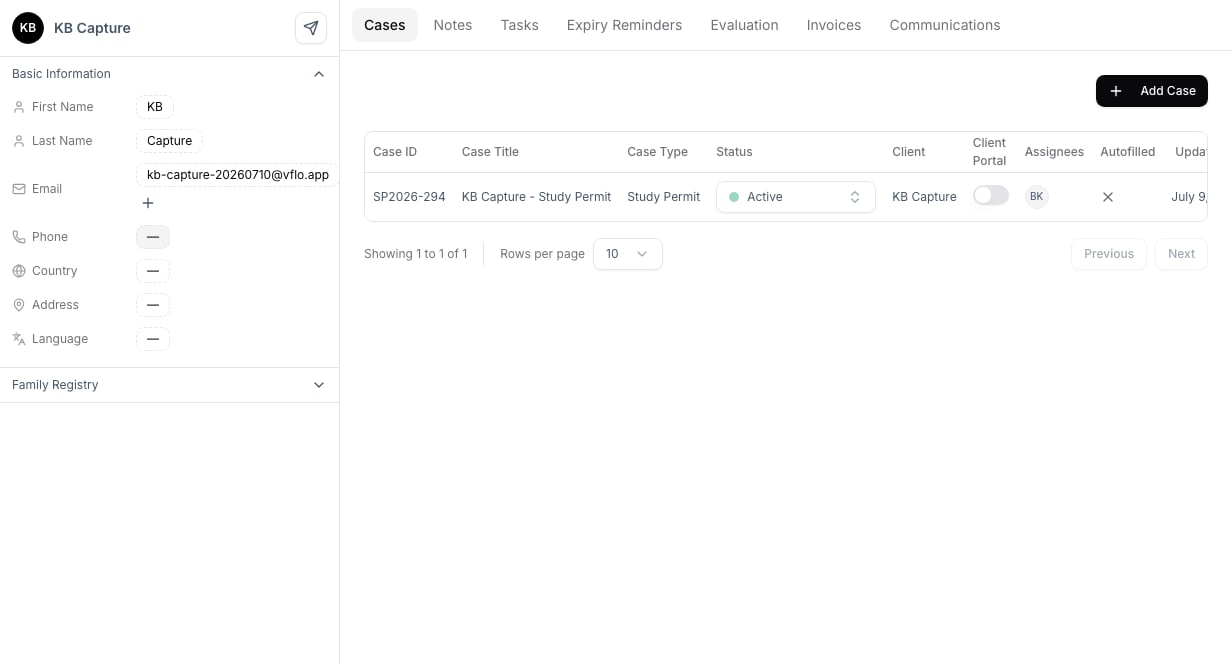
Open the profile after saving to confirm contact details and linked applications. Use the Cases tab to review the client’s active work, or Add Case to begin an application workflow.