

Invite the right person
Open Settings > Members & Permissions, choose the invite action, enter the team member’s email address, and select the appropriate role or access level before sending. The recipient completes the invitation through their email.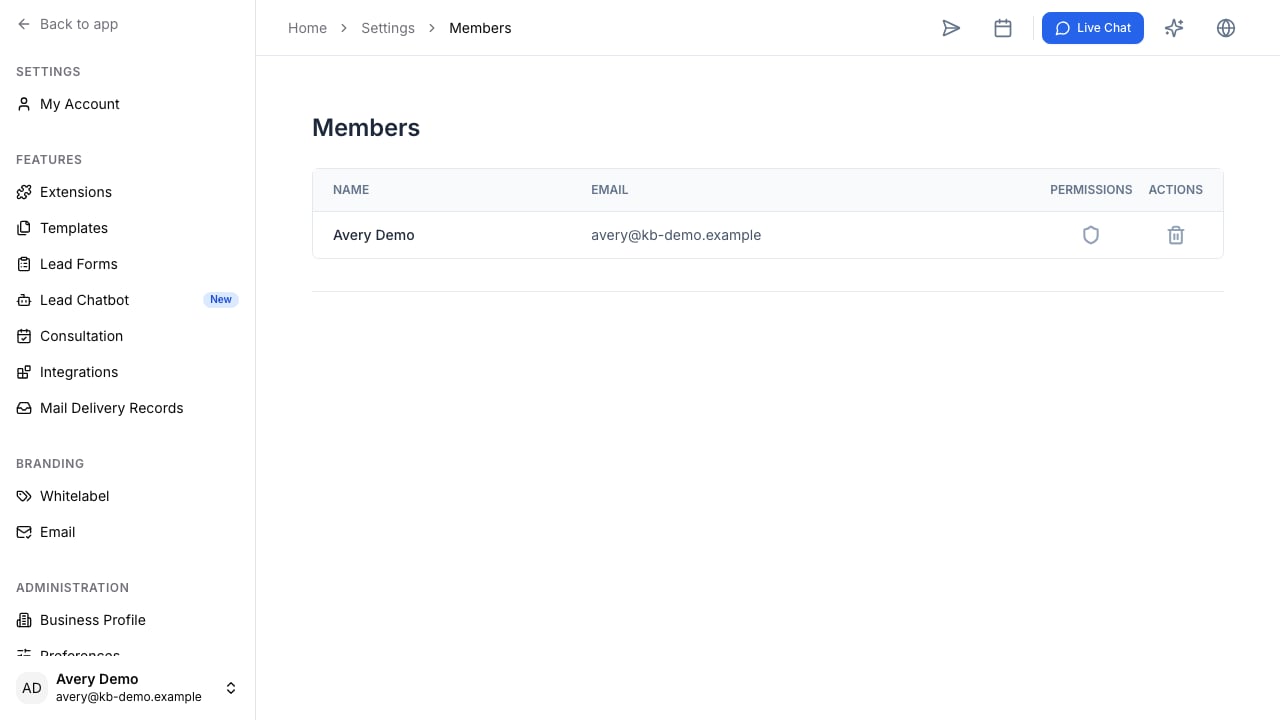
Set access deliberately
Before you invite a member, decide which parts of the workflow they need to handle:- Intake staff may need leads, clients, and assigned follow-up tasks.
- Case staff may need active cases, questionnaires, files, drafts, and reminders.
- Billing staff may need invoice and subscription access.
- Administrators may need workspace settings, integrations, templates, and membership management.