

Start with the workflow, not the integration name
An integration is valuable when it removes a repeated handoff without creating two competing versions of the same record. Before connecting a tool, define the event, data, owner, and expected outcome. For example: “A website enquiry creates a lead with source and contact details, then the intake owner receives a follow-up task.” This is clearer and safer than “connect the website to VisaFlo.”Choose the system of record
For each workflow, decide which system owns the durable record:- VisaFlo should own client, lead, case, questionnaire, task, and case-document context when the work is being delivered in VisaFlo.
- An external storage, accounting, calendar, or communication system may own its specialized record.
- An integration should copy or reference the minimum data needed to coordinate the two systems, not mirror every field indefinitely.
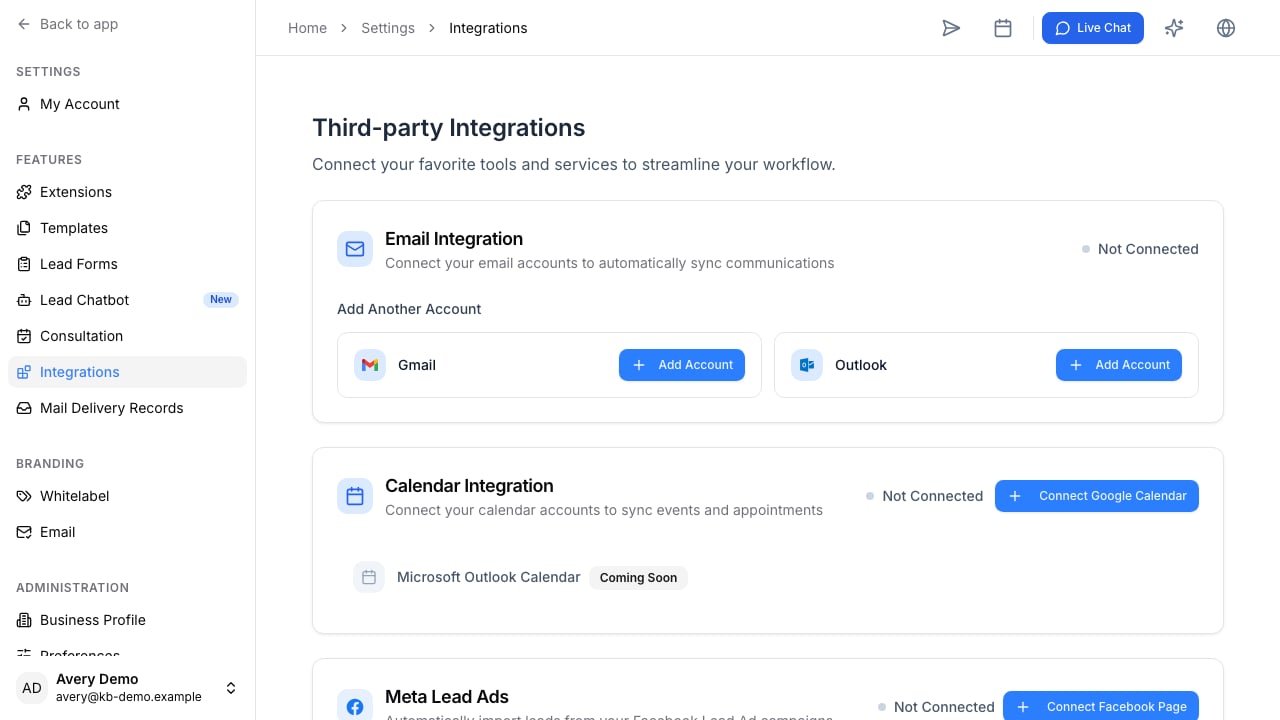
Common connection patterns
Connect AI assistants deliberately
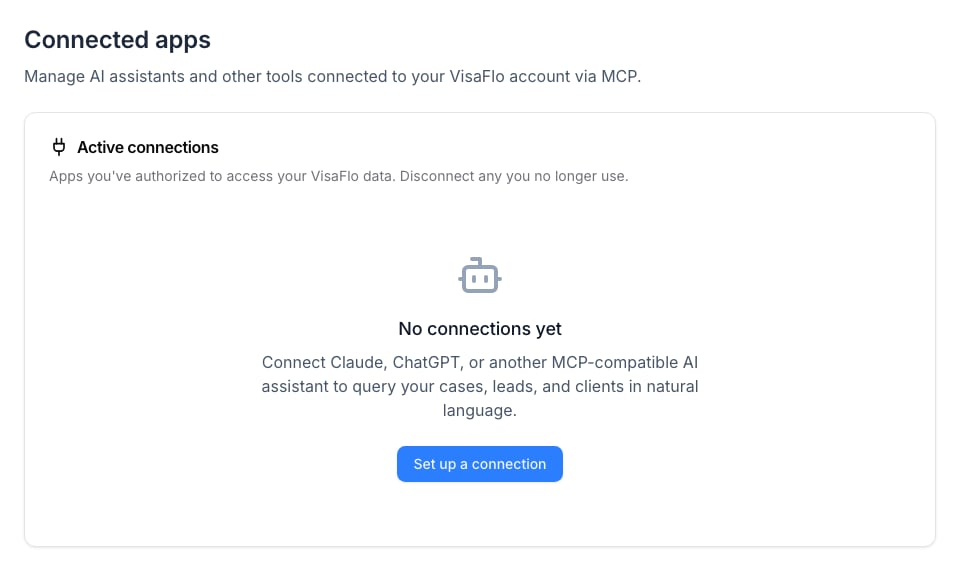
Open Settings > Connected apps to review compatible assistant connections and start authorization.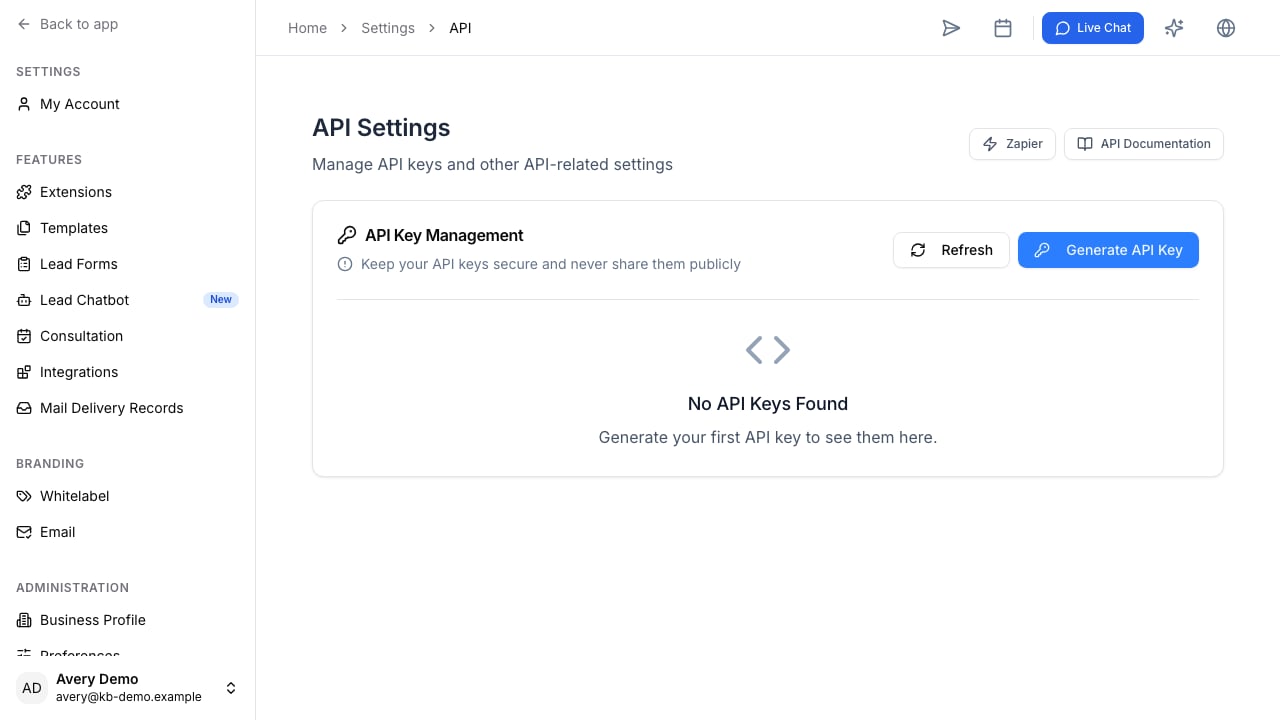
Build an integration in stages
- Start with one trigger and one outcome.
- Map the smallest useful field set.
- Test with a synthetic or non-production record.
- Decide how errors are surfaced and who corrects them.
- Add a review step before the integration creates sensitive or high-consequence records.
- Measure whether the automation actually removes a manual handoff.