

Four tools, four jobs
Do not use case status as a substitute for a task. A case can be active while many different people own separate actions. Do not use an internal note as a substitute for a deadline; create a task or reminder that can be assigned and tracked.
Run work from owned tasks
Every operational task should answer three questions: what needs to happen, who owns it, and when it is due. Link the task to the client, lead, or case where possible so the assignee can see the context without searching across systems. Use the task list to review open work by assignee, priority, status, and linked record.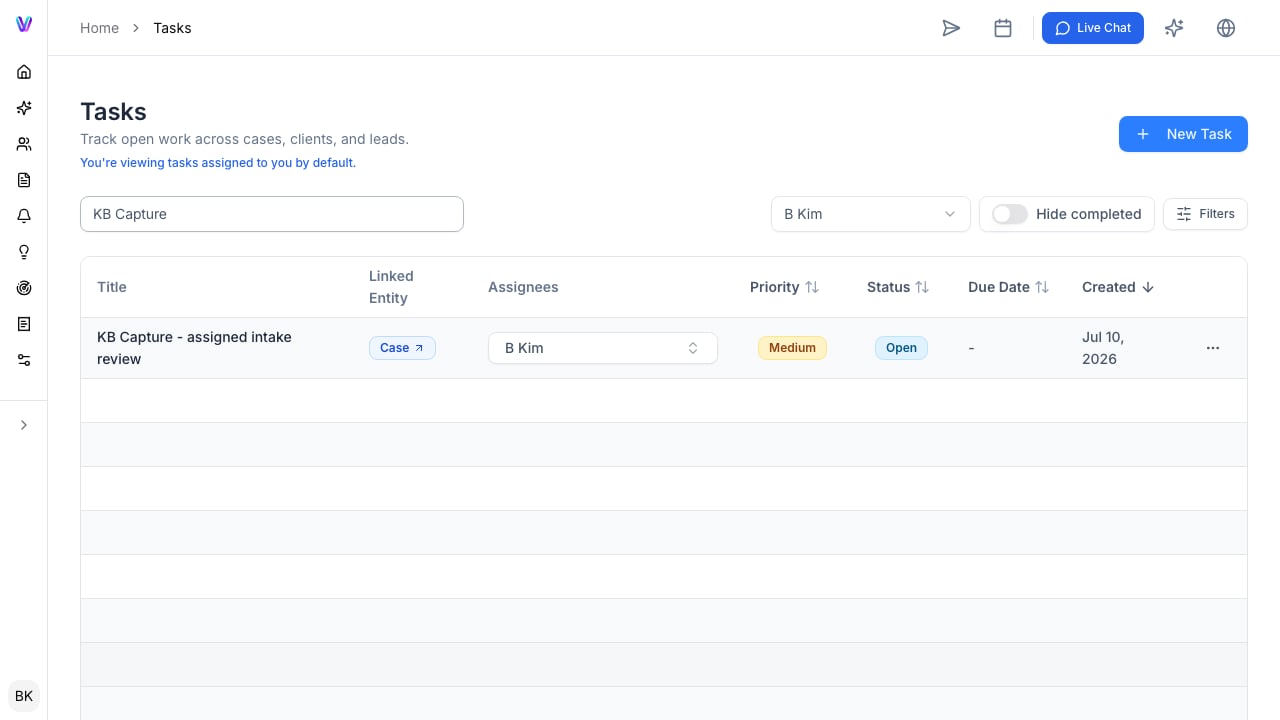
Keep time-sensitive work visible
Use reminders for deadlines and calendar-linked events that need a separate date view. The Reminders page separates Task, Expiry, and Event items so the team can focus on the type of deadline it needs to review.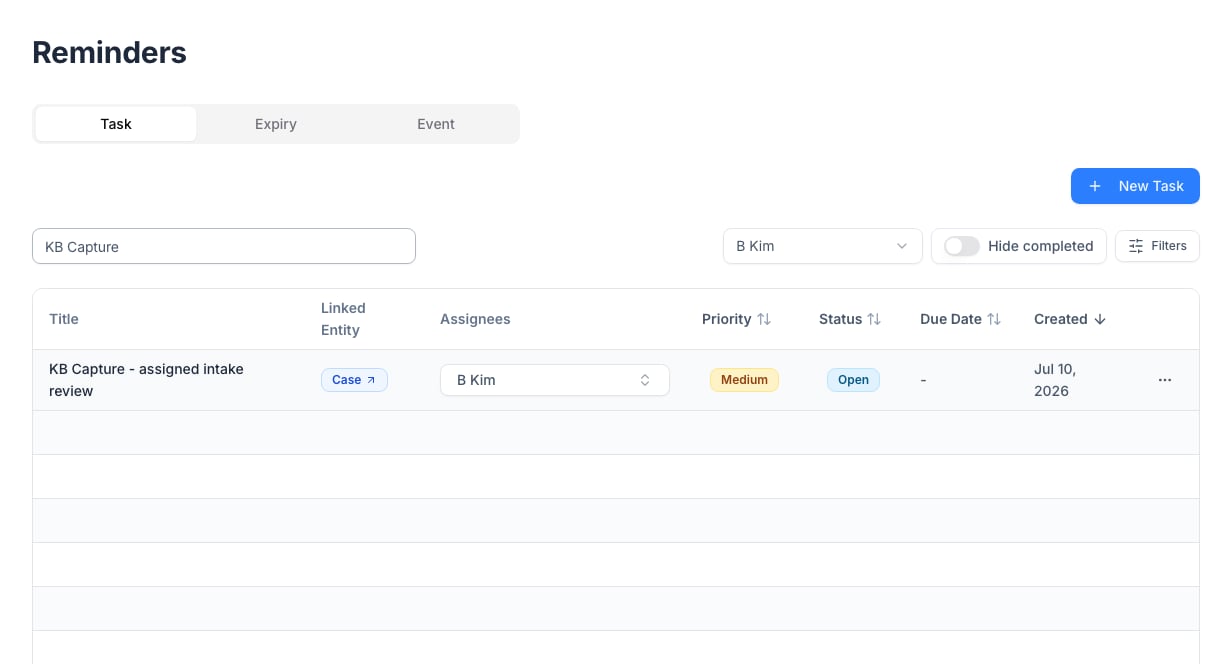
Turn repeated work into a workflow
When the same work happens on every retained client or case, create a workflow rather than recreating the checklist from memory. Start with the smallest reliable version: the required steps, clear owners, and the deadlines that matter. Improve it after the team has used it on real cases. Each workflow shows its name, purpose, and number of steps. Select New Workflow to create a reusable sequence for a repeated process.
Use case status carefully
Case status communicates the matter’s overall state and may affect client access to questionnaires or the portal. Before changing it, check for open client requests, pending documents, upcoming reminders, and tasks assigned to other staff. Make the status change part of the team’s operating rule, not an individual shortcut.A weekly operating rhythm
For a growing firm, establish a predictable review:- Review overdue and due-soon tasks by owner.
- Review upcoming expiry and event reminders.
- Check active cases with no next task or client request.
- Confirm that completed work has the required output saved to the case.
- Improve the workflow when the same exception appears repeatedly.