

Set up your signature
Open Settings and go to the email signature area. Create or edit your signature, then include the contact details and professional information your firm wants clients to see. Keep the content concise enough to work on desktop and mobile email clients.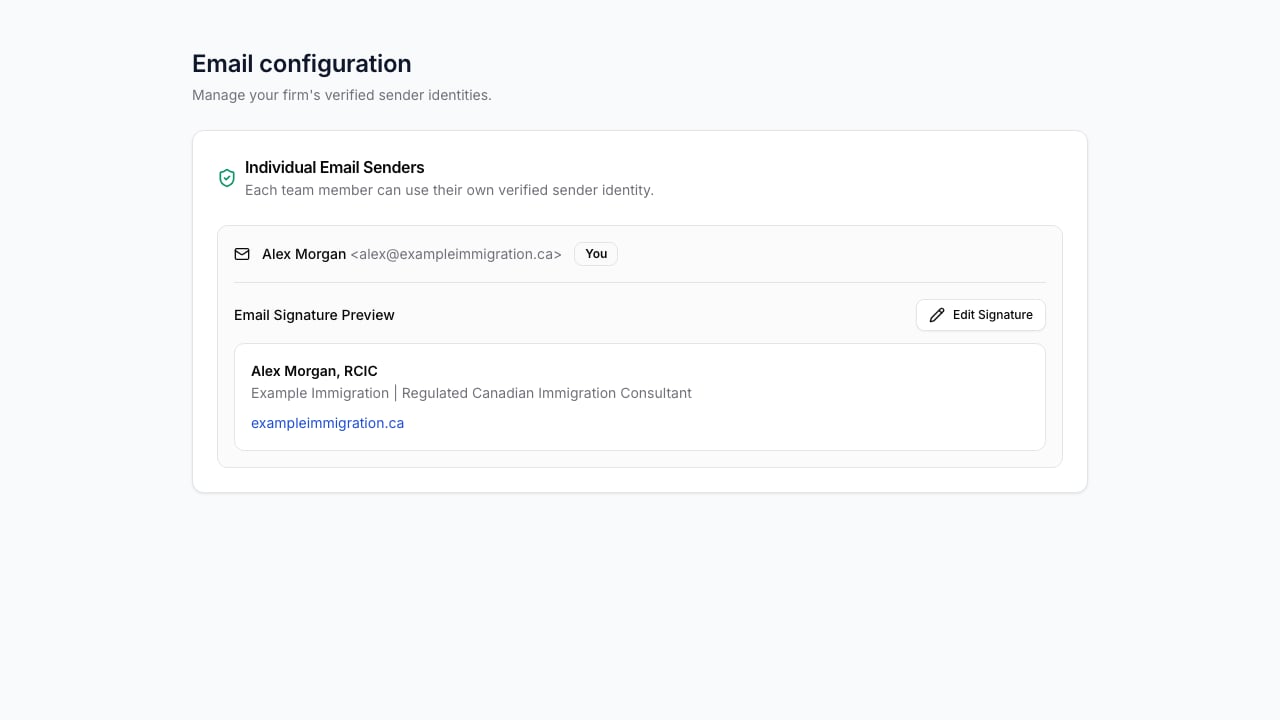
Recommended content
- Your name and role.
- Firm name.
- Reply-to email address and phone number where appropriate.
- Required professional designation or licence information approved by your firm.
- Firm website or booking link when the recipient should use it.