

Add a case note
Open the case and select the Notes tab. Choose the option to add a note, enter the context your team needs, and save it to the case. Use a specific subject and include the relevant decision, owner, or follow-up date so another staff member can act on it.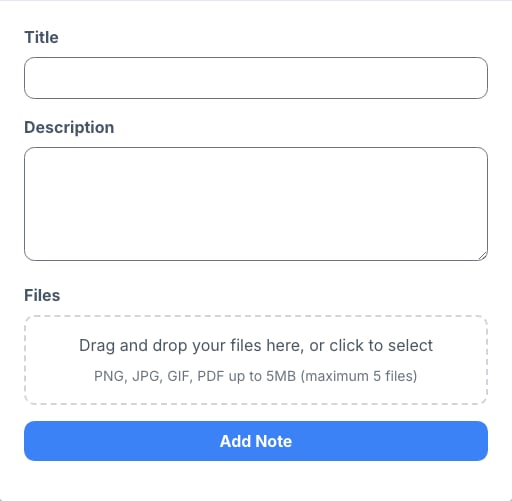
Write notes that are useful later
- Record what happened and the next action, not only that someone was contacted.
- Include the source of important information, such as a client call or an uploaded document.
- Keep confidential client information limited to what the case team needs to handle the work.
- Create a task or reminder separately when the note requires a time-bound follow-up.