
Prepare the Representative PR Portal workflow
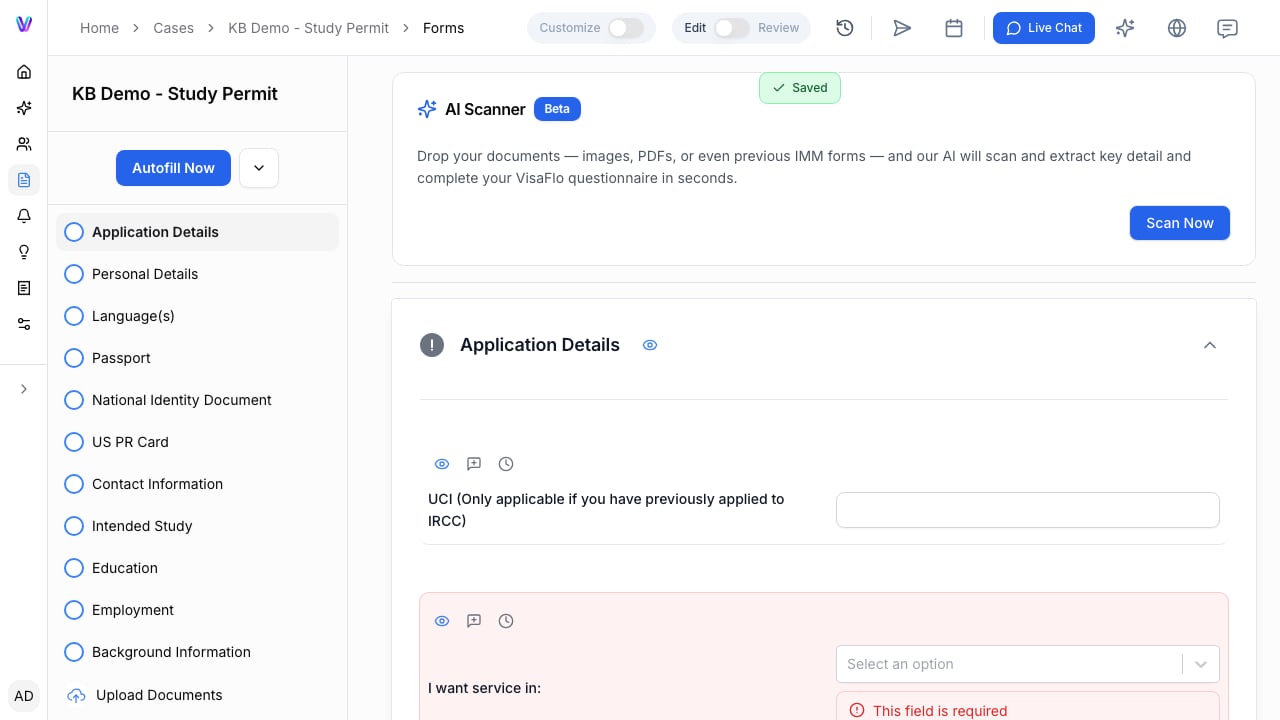
The case Forms workspace with the VisaFlo Autofill action. Representative PR Portal autofill is available only for case workflows that support it. Before starting, validate the portal account connection and confirm that the case and questionnaire match the intended application.

Run the portal autofill

  1. Complete and review the questionnaire for the principal applicant and all required family members.
  2. Open the supported case forms workflow.
  3. Select Autofill and confirm the Representative PR Portal option.
  4. Follow the extension or portal instructions only after confirming the target application is the correct client record.

Review before submission

Autofill does not replace final review. Check the portal data against the questionnaire, especially family composition, travel, addresses, work history, and application declarations.

Troubleshooting

If the portal option is blocked, check for incomplete questionnaire fields, missing dependant information, incorrect case type, or an unavailable account connection. Do not retry against a different portal application until the case match is confirmed.