
Support is workflow-specific
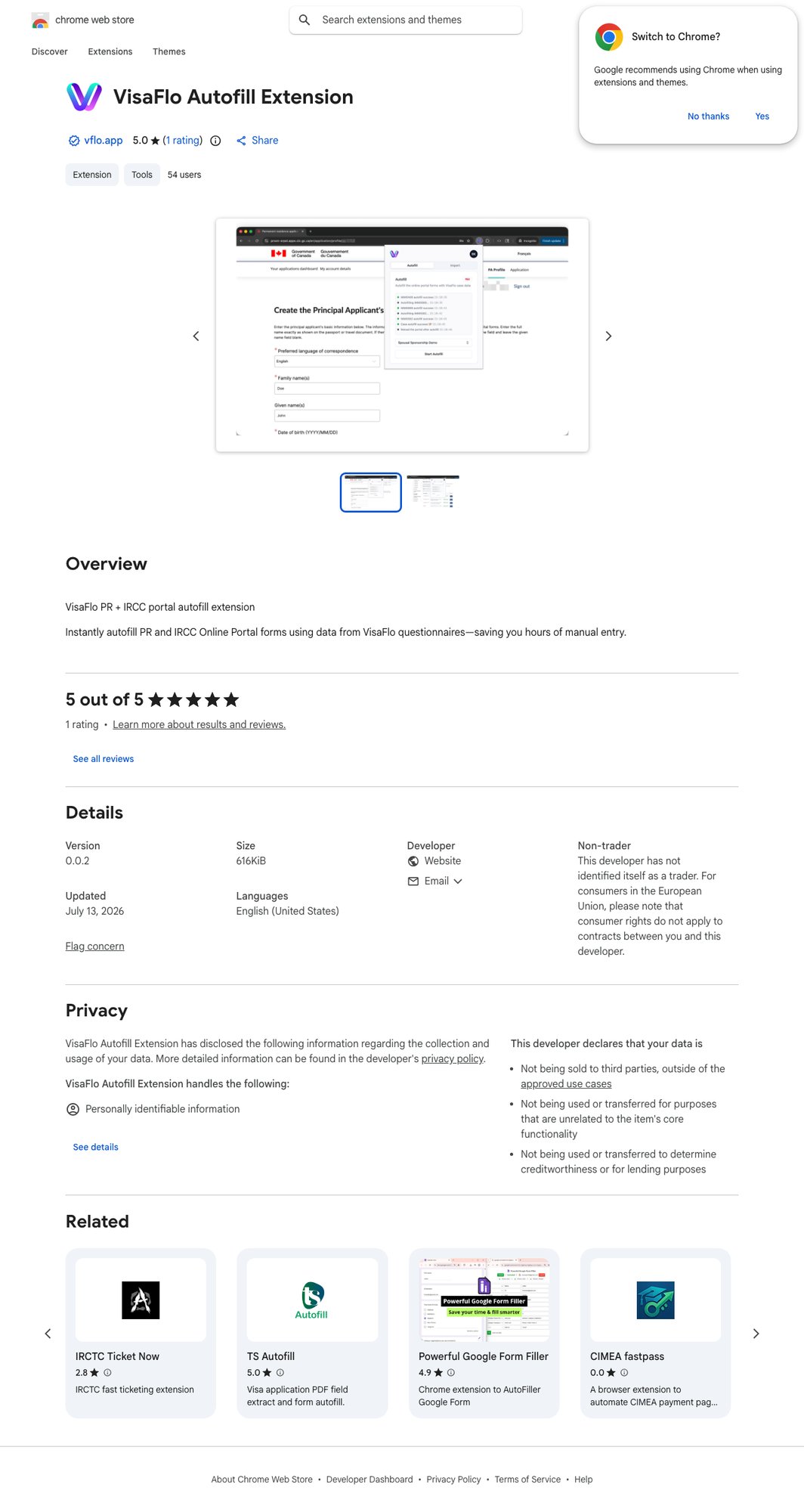
The official VisaFlo Autofill Extension listing in the Chrome Web Store. VisaFlo support depends on the selected case type, available questionnaire, form-generation workflow, and any portal extension shown for that workflow. A product or portal name alone is not enough to establish that a particular application path is supported.

Confirm before opening the case

  1. Open Cases and begin creating the case.
  2. Check whether the exact application or the appropriate case type is available.
  3. Review the forms and questionnaire that the case type provides.
  4. Confirm that the VisaFlo Autofill Extension Chrome Web Store listing covers the target workflow.
  5. Confirm any unusual, provincial, urgent, or changing workflow with support before promising an automated path to a client.

Distinguish the support levels

  • Case workflow support means the case type and collection workflow are available.
  • IMM PDF support means a supported form can be prepared from reviewed data.
  • Portal autofill support means the matching portal workflow and extension are available for that case type.
One level does not imply another. For example, a case can have a useful questionnaire and file workflow even when a particular external portal is not available for autofill.

If the exact program is not listed

Do not choose an unrelated case type only because its name looks similar. Create the client or lead, preserve the intake information, and ask support to confirm the appropriate workflow before collecting a full case questionnaire or opening a portal application. See Create a case, Extension Overview, and IMM PDFs.