
Download a single file

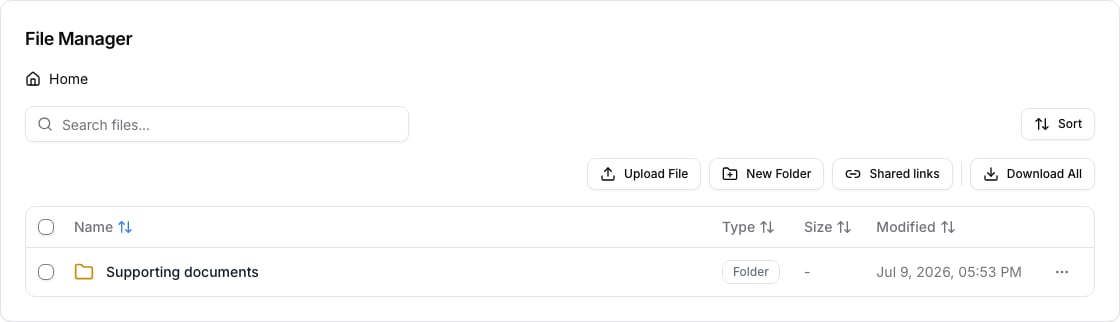
Open the case and select Files. Use the file’s action menu and choose Download. Your browser saves the file using its configured download location. Case file manager
Download several files

Select the files or folders you need, then use Download from the bulk actions. Use Download All only when you need the complete current folder or case file set. A multi-file download is prepared as an archive and can take longer for large folders.

Before sharing a download

Check that the selection contains only documents the recipient is allowed to receive. For external access, use a restricted shared link instead of downloading a broad case folder and sending it by email.

Troubleshooting

If no download starts, allow downloads in your browser and try again after any file upload or processing has finished. For a large archive, wait for the preparation step to complete before starting another request.