What VisaFlo billing is for
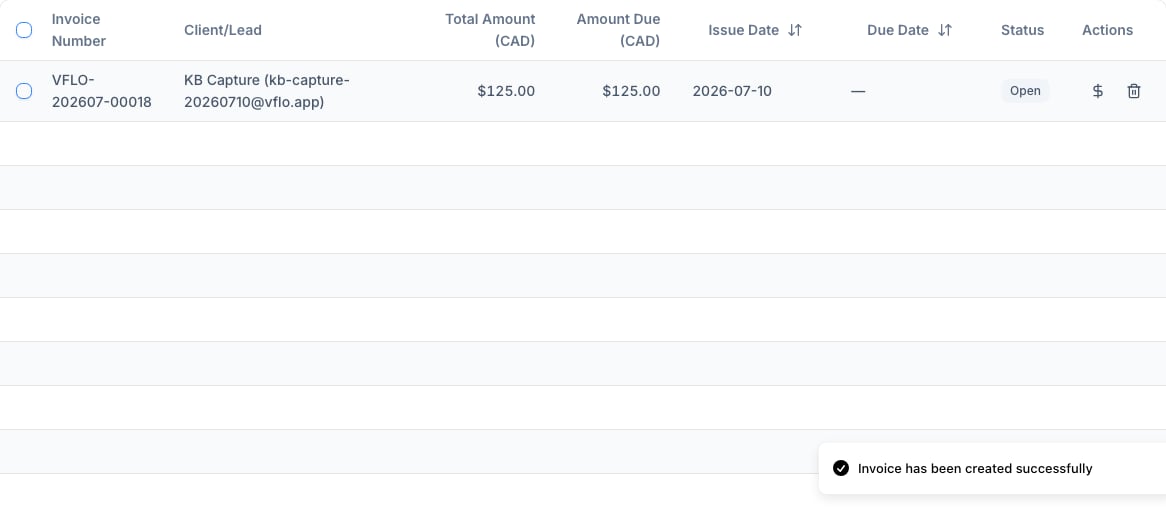
VisaFlo billing connects a client or lead, a service description, due dates, amounts, and payment-request activity to the operational record your team already uses. It is useful for creating a clear client request and seeing its status alongside the matter. The billing pages alone are not a trust ledger and are not a replacement for tax filing or general accounting. When the dedicated Trust Accounting module is enabled and configured for the firm’s jurisdiction, use that workspace—not an invoice or payment status—to record client trust money, reconcile the bank account, retain evidence, and produce audit records.Invoice lifecycle
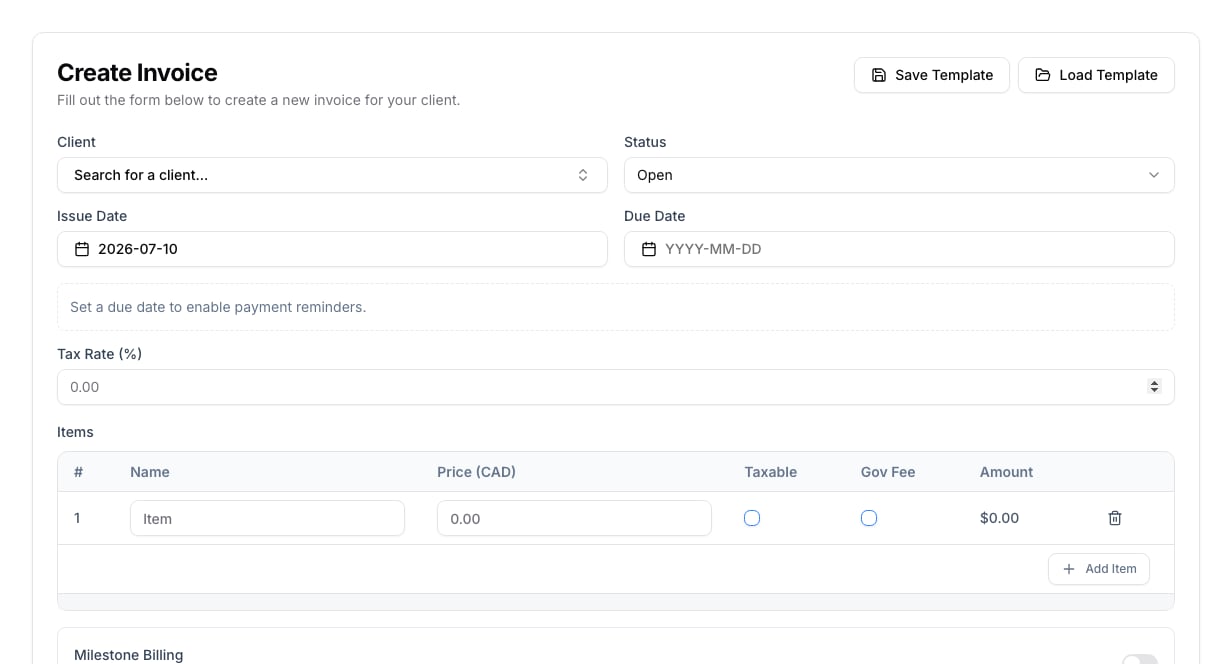
- Create an invoice for the correct client or lead.
- Add reviewed line items, dates, tax treatment, and payment instructions.
- Review the draft before creating or sending a payment request.
- Send the payment request only once the amount and recipient are correct.
- Monitor the invoice status and record any required follow-up in the case or client workflow.
- Retain or export the records your accounting process requires.
Keep charges understandable
Use line-item names that a client and a later reviewer can understand. When your firm’s workflow distinguishes professional fees, government fees, expenses, or milestones, keep those distinctions explicit instead of combining them into an unclear total. Confirm the due date, tax setting, and payment instructions before the invoice leaves the firm.Tax and accounting boundary
Tax treatment can vary by firm, service, and jurisdiction. Configure and review it according to your firm’s approved process. The Billing workspace should not be the only place you rely on to decide tax obligations, reconcile funds, or maintain trust records. For trust money, the dedicated Trust Accounting workspace is designed to serve as the firm’s operational system of record for:- immutable client and account-control ledger entries;
- client-level balance and overdraft controls;
- retained bank-statement and transaction evidence;
- bank-row matching and period-locked three-way reconciliation;
- independent sign-off, reconciliation reports, receipts, and compliance registers;
- QBO journal synchronization, health, retry, reversal, and audit details when connected; and
- annual report, register, and evidence-inventory exports.
Trust-accounting operating sequence
- Enable Trust Accounting in Settings, select the applicable jurisdiction, and restrict access to authorized staff.
- Create each real trust bank account with its correct currency and institution identity.
- Record every receipt and withdrawal through the dedicated Trust Accounting workflow. Do not edit balances directly.
- Resolve receipt-delivery, evidence, shortage, unclaimed-money, held-property, and QBO health exceptions as they appear.
- Import the retained source bank statement, match or explicitly resolve every row, and review the three independent reconciliation legs.
- Have the designated reviewer sign off. Completion locks the period and preserves its report snapshot.
- Export and retain the reconciliation report, annual report, register histories, and evidence inventory under the firm’s retention policy.
Payment requests and follow-up