

The questionnaire is the collection layer
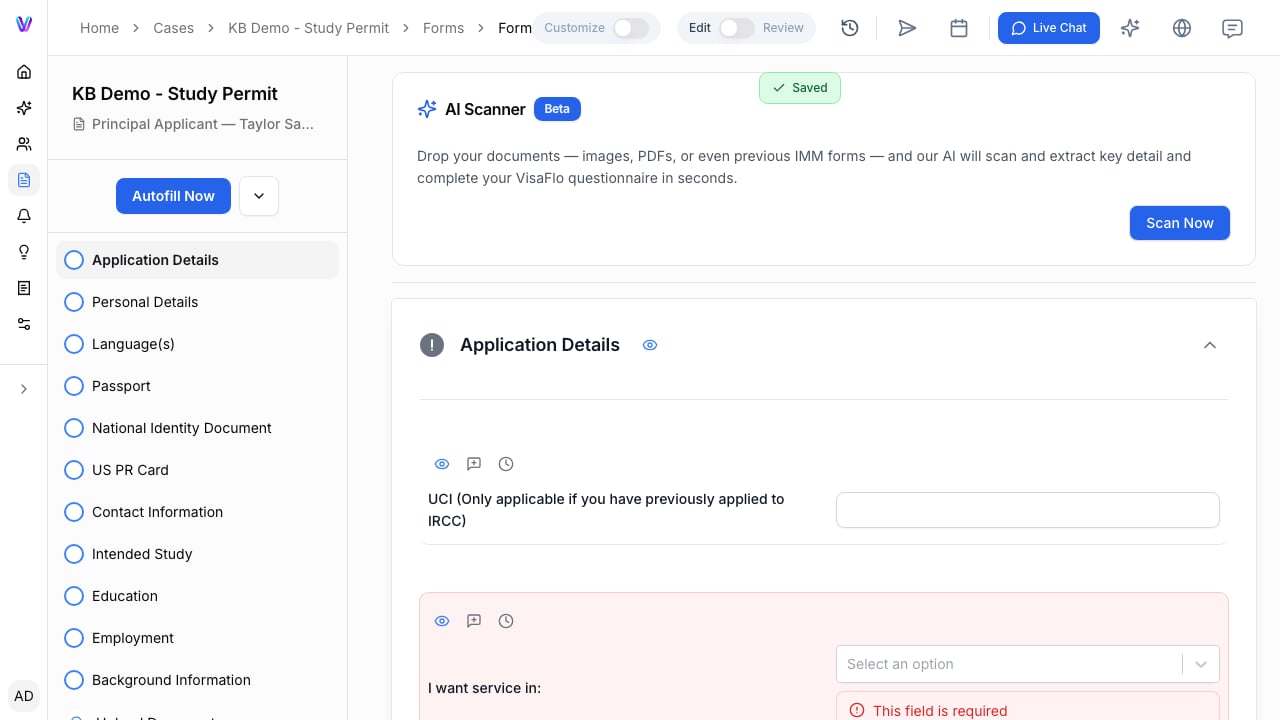
Send an invitation with a clear request
- Open the case and go to its forms or questionnaire area.
- Confirm that the correct questionnaire and upload requests are assigned.
- Select Start intake, then choose what to send: the questionnaire, the documents, or both.
- Check the recipient email and, under Advanced options, the message before selecting Send invite.
- Record the owner and follow-up date as a task when completion is time-sensitive.
Read completion as a signal, not approval
The progress percentage shows questionnaire section completion. It does not guarantee that every required answer is usable or that the case is ready to submit. Before moving forward, review the information for:- Required answers and expected uploads.
- Consistency between related answers.
- Dates, names, and numbers that affect forms or agreements.
- Facts that need clarification or supporting evidence.
- Changes since a previous draft, extraction, or autofill run.