Open your form
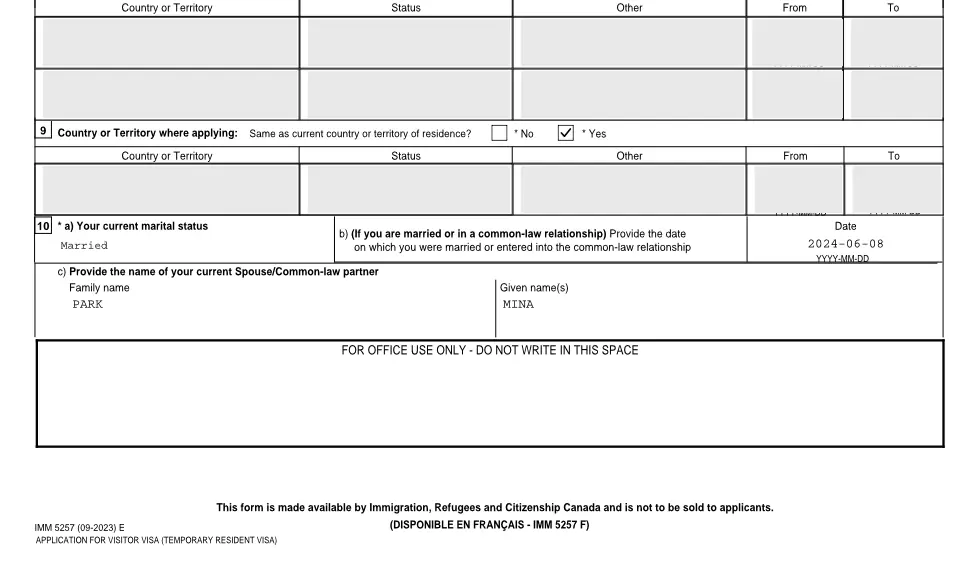
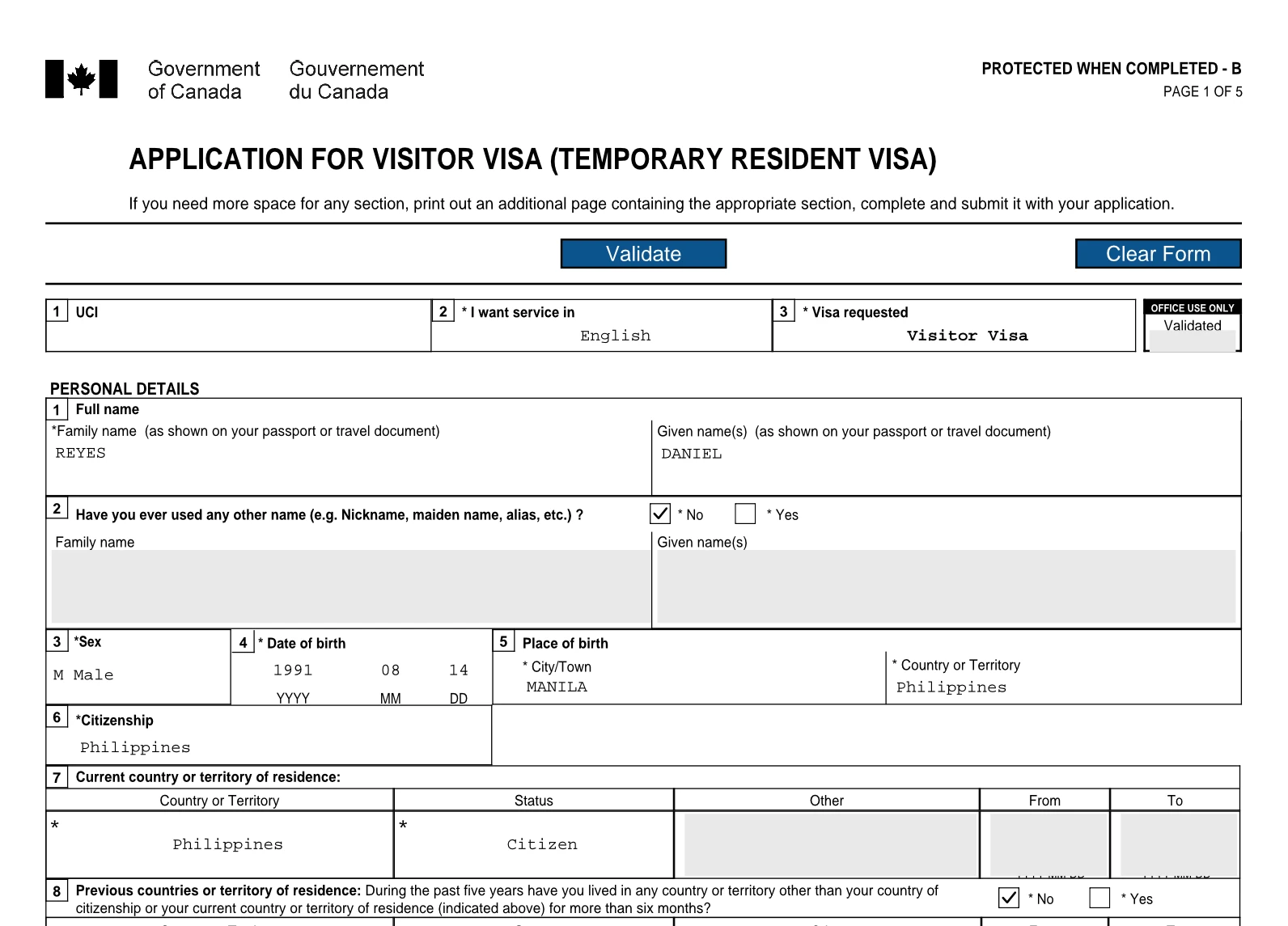
These forms show the “Please wait…” page in other viewers. Each opens here, drawn as it prints.
- Fill out IMM 5257Application for Visitor Visa (Temporary Resident Visa). What it asks
- Fill out IMM 1294Application for a Study Permit Made Outside of Canada. What it asks
- Fill out IMM 5709Application to Change Conditions, Extend my Stay or Remain in Canada as a Student. What it asks
- Fill out IMM 1295Application for a Work Permit Made Outside of Canada. What it asks
- Fill out IMM 5710Application to Change Conditions, Extend my Stay or Remain in Canada as a Worker. What it asks
- Fill out IMM 0008Generic Application Form for Canada. What it asks
- Fill out IMM 5406Additional Family Information. What it asks
- Fill out IMM 1344Application to Sponsor, Sponsorship Agreement and Undertaking. What it asks
- Fill out IMM 5532Relationship Information and Sponsorship Evaluation. What it asks
Why it says “Please wait…”
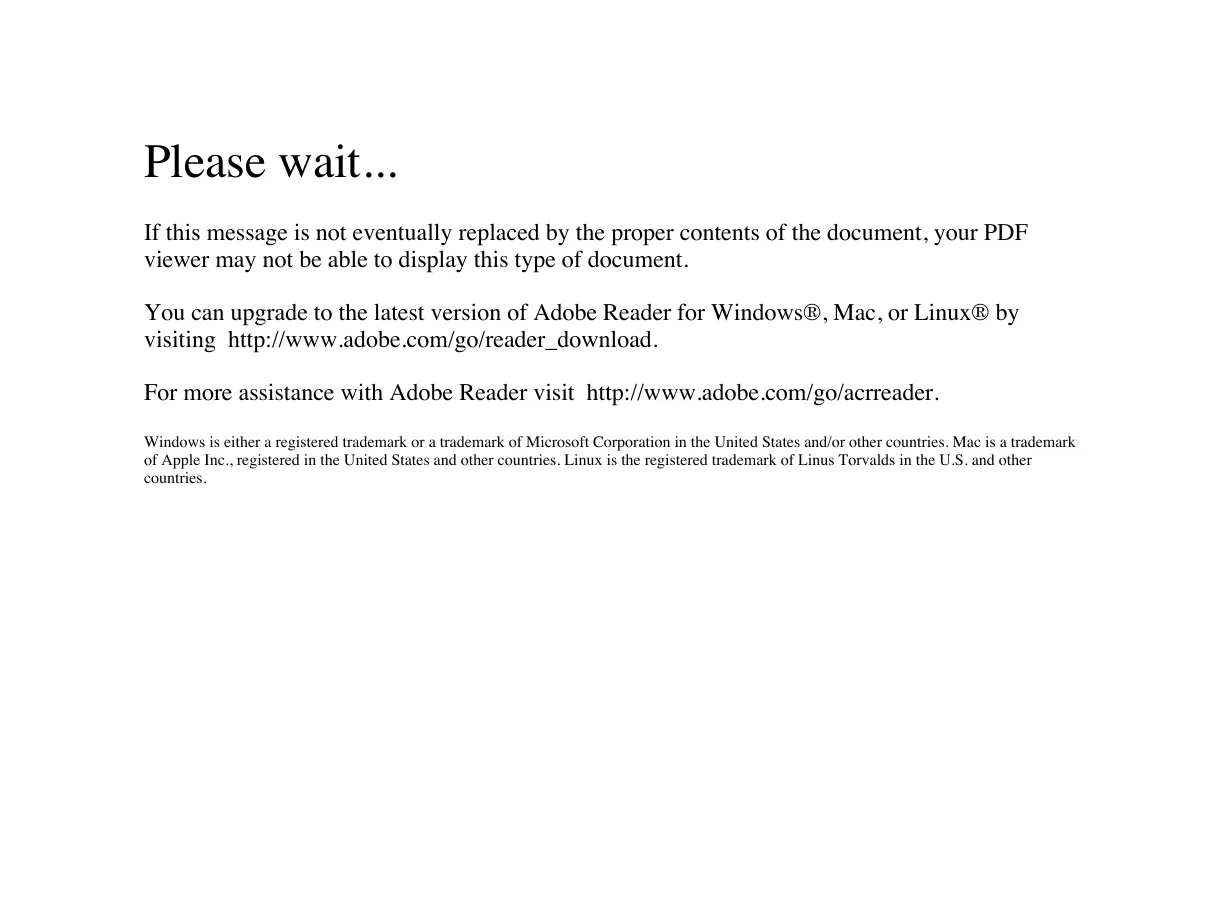
IRCC builds its forms as XFA forms. The form, with its boxes, rules and Validate button, is stored inside the PDF as XFA. The PDF also carries one ordinary page for viewers that cannot draw XFA, and that page is all Chrome, Edge, Safari and Mac Preview show. It reads:
Please wait... If this message is not eventually replaced by the proper contents of the document, your PDF viewer may not be able to display this type of document. You can upgrade to the latest version of Adobe Reader for Windows®, Mac, or Linux® by visiting http://www.adobe.com/go/reader_download.
Waiting does not help: the viewer has shown everything it can. Downloading the file again does not help either.
Two ways to open it
- Adobe Acrobat Reader. The cover page points there. Download the PDF, then open it from Acrobat Reader rather than from the browser.
- VisaFlo’s editor, in your browser. Free, nothing to install. It draws the form as it prints, you type on the form itself, the form’s own Validate runs, and you download the filled PDF. What you type stays in your browser.
Other IRCC forms
- IMM 5645Has ordinary PDF pages, so there is no cover page.
- IMM 5669Shows a different cover page: “The document you are trying to load requires Adobe Reader 8 or higher. You may not have the Adobe Reader installed or your viewing environment may not be properly configured to use Adobe Reader.”
- IMM 5476Has ordinary PDF pages, so there is no cover page.
Questions
Why does my IRCC form only say “Please wait…”?
Most IRCC forms are XFA forms: the form lives inside the PDF as XFA, and the PDF’s ordinary first page is a cover page for viewers that cannot draw XFA. Chrome, Edge, Safari and Mac Preview show only that cover page, which begins “Please wait...”. Nothing is wrong with the file.
How do I open an IRCC form that says “Please wait…”?
Open it in Adobe Acrobat Reader, as the cover page itself says, or open the form in VisaFlo’s free editor at visaflo.ca/forms, which draws the real form in your browser and runs its own Validate. Nothing to install.
Which IRCC forms show the “Please wait…” page?
Of the forms in VisaFlo’s catalog: IMM 5257, IMM 1294, IMM 5709, IMM 1295, IMM 5710, IMM 0008, IMM 5406, IMM 1344 and IMM 5532. IMM 5669 shows a different cover page, which says it “requires Adobe Reader 8 or higher”. IMM 5645 and IMM 5476 have ordinary PDF pages.
Is what I type in the editor saved anywhere?
It stays in your browser, so you can close the tab and come back. VisaFlo does not store your answers. Downloading the PDF asks for your e-mail once.