> ## Documentation Index
> Fetch the complete documentation index at: https://visaflo.ca/knowledge-base/llms.txt
> Use this file to discover all available pages before exploring further.
# Communicate, Close, and Improve
> Keep clients informed, complete signatures and sharing safely, then turn completed case work into a better repeatable process.
## The outcome
The client receives only the communication, documents, and status your firm intended to share. The team can see what was completed, what remains, and what to improve before the next similar matter.
## 1. Communicate through the right surface
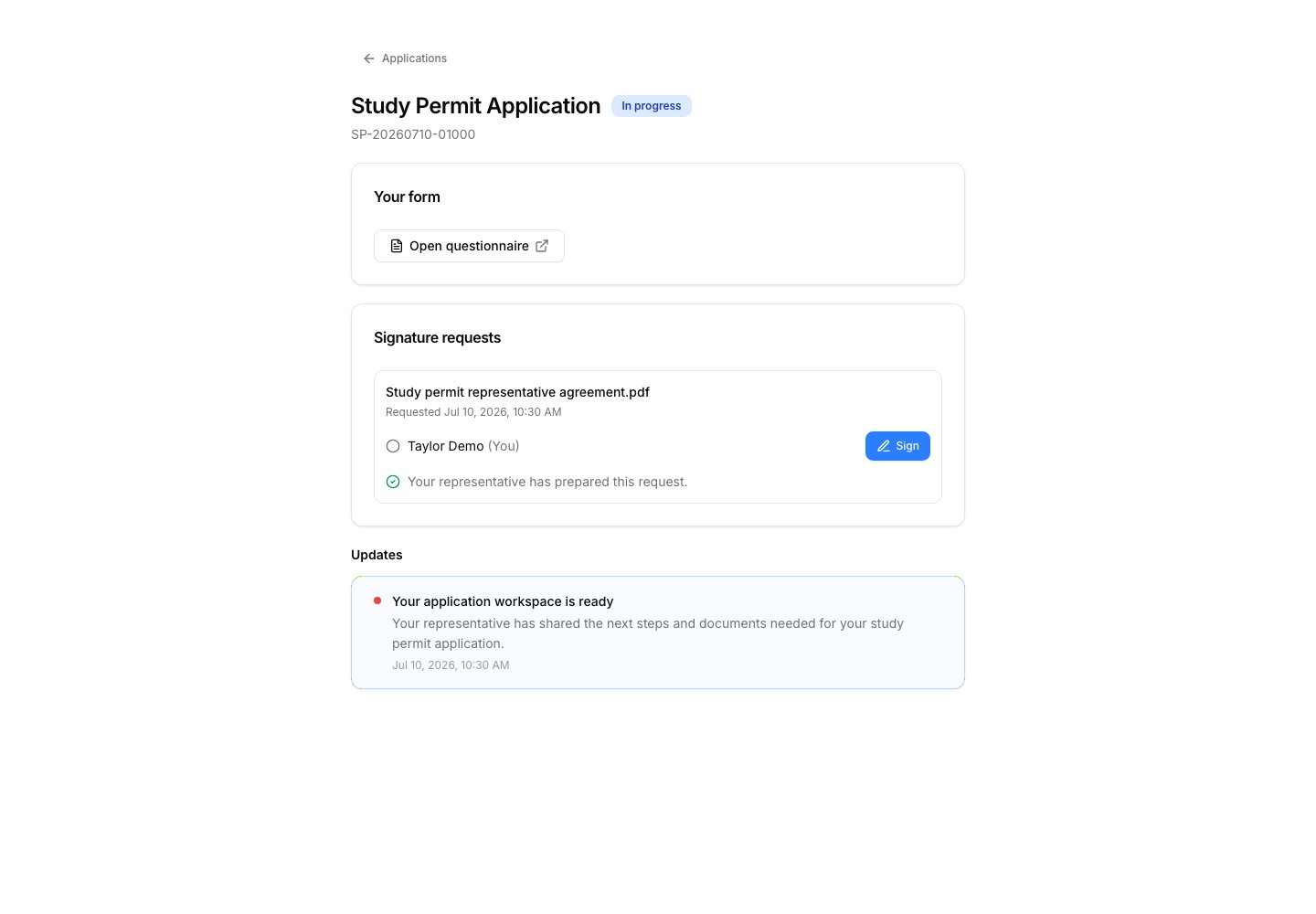
Use the client portal for case visibility, questionnaires, signature requests, and case-specific updates. Keep internal strategy, incomplete drafts, and staff-only notes in the dashboard.
 Continue with [Client Portal](/knowledge-base/portal/client-portal).
## 2. Send agreements for signature
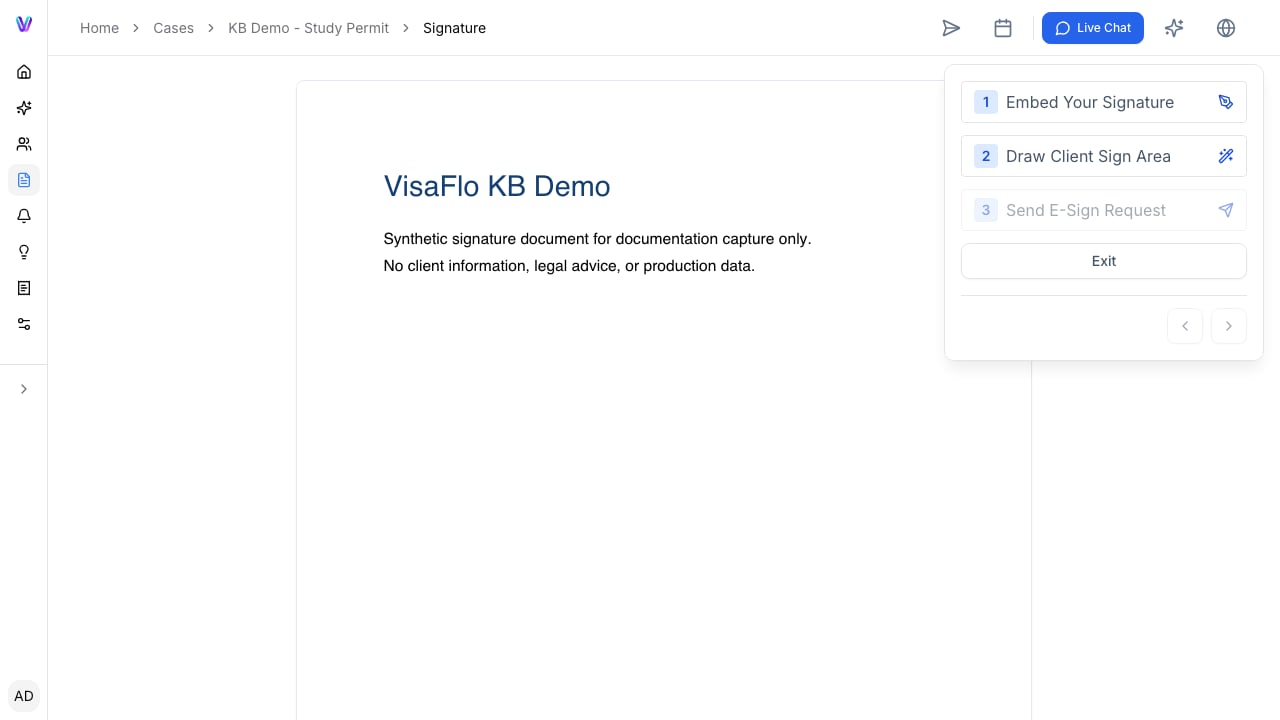
Review the complete document, recipient list, and signature-field placement before sending. When it is signed, verify the completed copy and save it to the case record.
Continue with [Client Portal](/knowledge-base/portal/client-portal).
## 2. Send agreements for signature
Review the complete document, recipient list, and signature-field placement before sending. When it is signed, verify the completed copy and save it to the case record.
 Continue with [E-Signature](/knowledge-base/cases/e-signature).
## 3. Share only the files a recipient needs
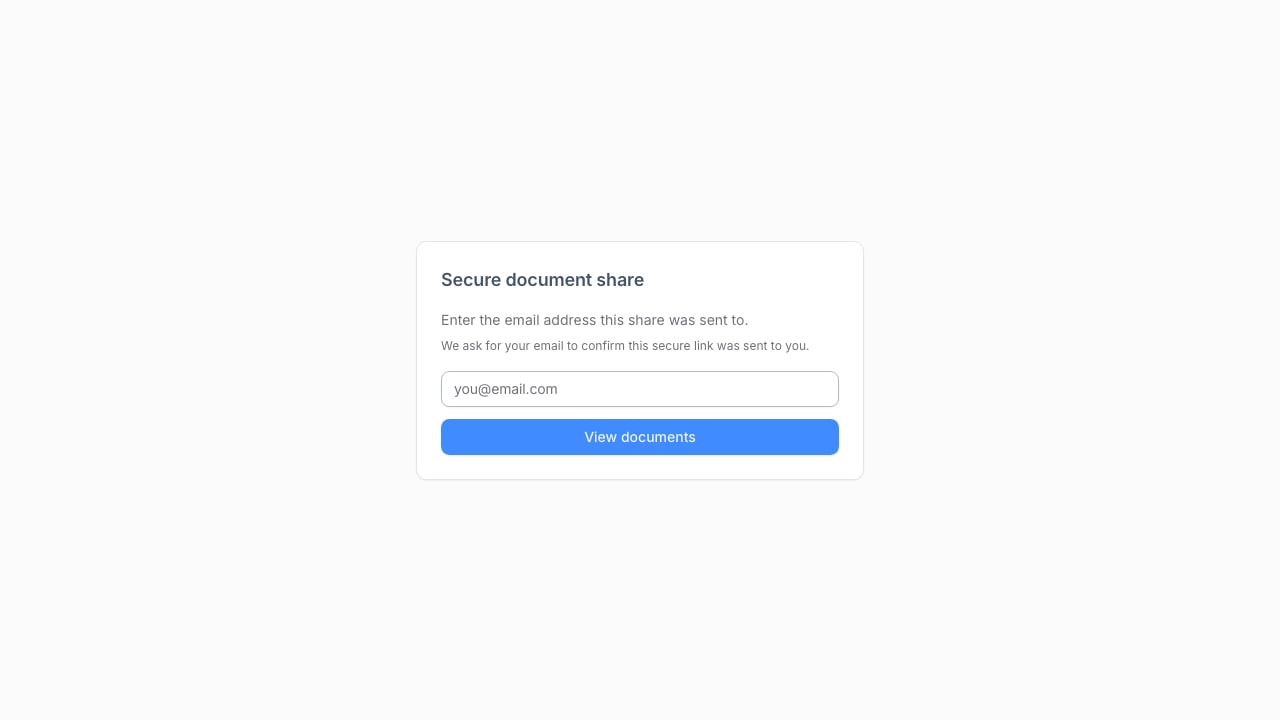
Use document shares for a selected, controlled set of files. Confirm the recipient, access period, and the exact documents before sending a link. Do not use a share link as a substitute for internal file organization.
Continue with [E-Signature](/knowledge-base/cases/e-signature).
## 3. Share only the files a recipient needs
Use document shares for a selected, controlled set of files. Confirm the recipient, access period, and the exact documents before sending a link. Do not use a share link as a substitute for internal file organization.
 Continue with [Document Shares](/knowledge-base/collaboration/document-shares).
## 4. Close the loop with the team
Before marking a case complete, check the final output, client communication, required records, outstanding payment or follow-up, and any deadline-based obligations. Then capture one improvement for the next case type: a clearer client request, a missing template field, a task that needs an owner, or an unnecessary manual handoff.
Use [Tasks & statuses](/knowledge-base/faq/how-tasks-reminders-workflows-deadlines-and-case-statuses-work) to make the next action visible.
Continue with [Document Shares](/knowledge-base/collaboration/document-shares).
## 4. Close the loop with the team
Before marking a case complete, check the final output, client communication, required records, outstanding payment or follow-up, and any deadline-based obligations. Then capture one improvement for the next case type: a clearer client request, a missing template field, a task that needs an owner, or an unnecessary manual handoff.
Use [Tasks & statuses](/knowledge-base/faq/how-tasks-reminders-workflows-deadlines-and-case-statuses-work) to make the next action visible.