> ## Documentation Index
> Fetch the complete documentation index at: https://visaflo.ca/knowledge-base/llms.txt
> Use this file to discover all available pages before exploring further.
# How leads, booking forms, consultations, and client conversion work
> Use leads for prospective work, collect only the information needed to qualify it, then create a client and case when the firm is ready to engage.
## The boundary between a lead, client, and case
Use a **lead** for a prospective relationship. Use a **client** when your firm has an ongoing relationship with that person or organization. Use a **case** for a specific immigration matter that needs its own information, documents, deadlines, and delivery workflow.
This distinction matters: a lead form is designed to help you decide whether and how to engage. A case questionnaire is designed to collect the structured facts needed to work an active matter. Do not create a detailed case simply to hold an early enquiry.
Read [Core Concepts](/knowledge-base/guide/core-concepts) for the full model.
## Choose an intake path
| Situation | Start with | Why |
| ----------------------------------- | ---------------------------------------------- | ---------------------------------------------------------------------------- |
| A staff member received an enquiry | A manually created lead | Keeps follow-up and qualification separate from active case work. |
| A prospect comes from your website | A public lead form or chatbot | Captures a consistent first-contact record without giving portal access. |
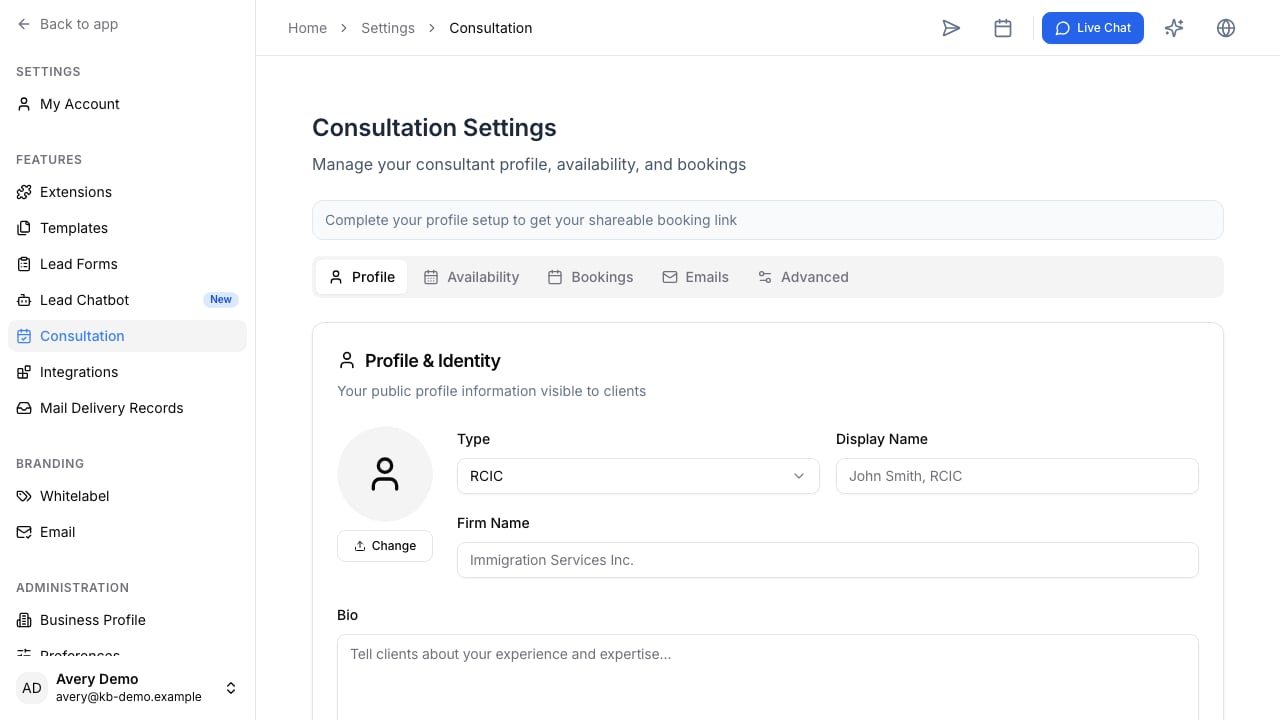
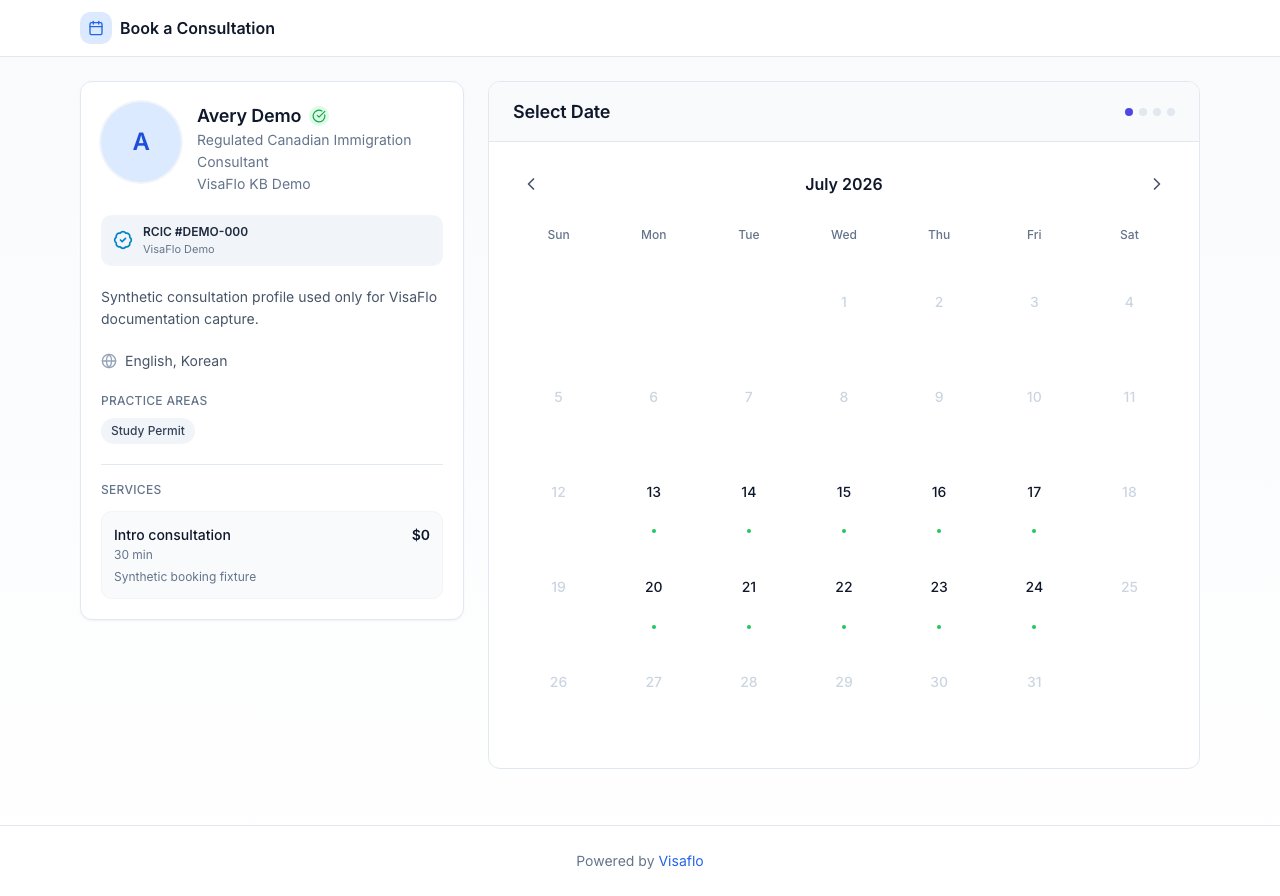
| The prospect needs to choose a time | A consultation or booking workflow | Lets you collect only the booking details before the appointment. |
| The firm has agreed to act | Convert or create the client, then open a case | Starts the matter-specific questionnaire, files, tasks, and client workflow. |
## Build a useful lead form
Ask only for the information that changes the next action. A strong first version usually includes contact details, the immigration objective, location or status context, timing, and how the prospect heard about your firm. Avoid using a lead form to recreate a full case questionnaire; long forms reduce completion and create details your team has not yet committed to managing.
Use [Custom Lead Form](/knowledge-base/leads/custom-lead-form) to build the form and [Collect Leads](/knowledge-base/leads/collect-leads) to work the incoming queue.
## Run the consultation handoff
Before a consultation, confirm the lead owner, the purpose of the meeting, and the question that must be answered next. After it, record one clear outcome:
 * Continue qualification.
* Request additional information.
* Send an engagement or payment step.
* Convert to a client and create a case.
* Close the lead with a reason your team can understand later.
This makes follow-up visible and prevents prospects from disappearing between a form submission and a retained matter.
## Convert only when the work is ready
When the firm chooses to engage, preserve the useful relationship information and create the client record. Then create the appropriate case type and assign an owner. Start the case questionnaire only when the team knows which matter it is collecting for; that keeps the data, files, tasks, and automation context aligned.
After conversion, use [Create a case](/knowledge-base/cases/creating-a-case), [Send Invitation](/knowledge-base/questionnaires/send-invitation), and [Client Portal](/knowledge-base/portal/client-portal) to begin delivery.
## Common questions
### Can I use an intake form before choosing a program?
Yes. Use a lead or consultation form for first-contact qualification. Move to a detailed case questionnaire once the firm has chosen the matter type and is ready to collect the required facts.
### What happens to leads that do not convert?
Keep a clear non-conversion or follow-up outcome rather than deleting useful context. This lets the team distinguish a prospect who needs more time from one that is not a fit, and makes future follow-up intentional.
* Continue qualification.
* Request additional information.
* Send an engagement or payment step.
* Convert to a client and create a case.
* Close the lead with a reason your team can understand later.
This makes follow-up visible and prevents prospects from disappearing between a form submission and a retained matter.
## Convert only when the work is ready
When the firm chooses to engage, preserve the useful relationship information and create the client record. Then create the appropriate case type and assign an owner. Start the case questionnaire only when the team knows which matter it is collecting for; that keeps the data, files, tasks, and automation context aligned.
After conversion, use [Create a case](/knowledge-base/cases/creating-a-case), [Send Invitation](/knowledge-base/questionnaires/send-invitation), and [Client Portal](/knowledge-base/portal/client-portal) to begin delivery.
## Common questions
### Can I use an intake form before choosing a program?
Yes. Use a lead or consultation form for first-contact qualification. Move to a detailed case questionnaire once the firm has chosen the matter type and is ready to collect the required facts.
### What happens to leads that do not convert?
Keep a clear non-conversion or follow-up outcome rather than deleting useful context. This lets the team distinguish a prospect who needs more time from one that is not a fit, and makes future follow-up intentional.